
Ventiladores de resfriamento

Cooler para computador com 6 tubos de cobre, compatível com AMD 1851 2011, multiplataforma, com controle de temperatura, silencioso, torre de 12 cm e duas ventoinhas para CPU.
Cooler para computador com 6 tubos de cobre, compatível com AMD 1851 2011, multiplataforma, com controle de temperatura, silencioso, torre de 12 cm e duas ventoinhas para CPU.

Dissipador de calor de alumínio ARGB para SSD M.2, 5V, 3 pinos, NVMe NGFF M2 2280, com almofada térmica para resfriamento.

Radiador de resfriamento RGB para PC de 120 mm, ultra silencioso, com 15 LEDs, 12 V CC, ventoinha para dissipação de calor.
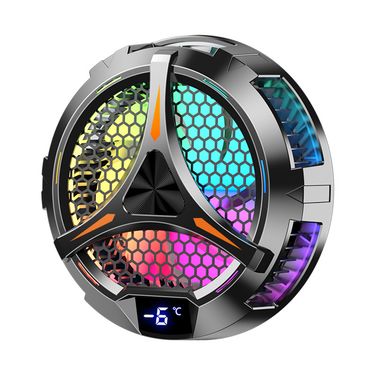
27w Iluminação Colorida X42 PC Peltier Magnético Grande Tamanho Semicondutor Tablet Cooler Radiador
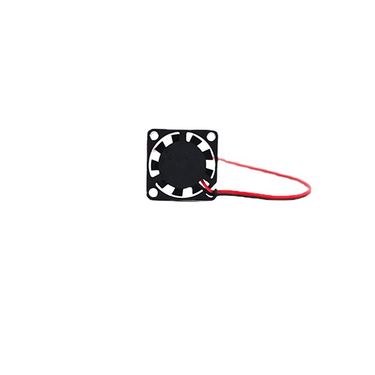
Dongke High Speed 2006 Mini Micro Notebook 2CM 12V 5V 2*2*0.6 Ventilador Pequeno e Silencioso para Resfriamento

Resfriador de CPU de 5 vias 4 pinos PWM Ventilador de resfriamento Cabo de alimentação Hub Divisor Adaptador
Radiador de resfriamento para tablet semicondutor de tamanho grande com iluminação colorida X42 PC e tecnologia Peltier de 27 W
Radiador de resfriamento RGB para PC de 120 mm, ultra silencioso, com 15 LEDs, 12 V CC, ventoinha para dissipação de calor.
120mm RGB PC Computador Ultra Silencioso 15 LEDs Ventilador de Resfriamento Radiador 12V Ventilador de Computador DC Ventilador de Dissipação de Calor
Radiador de resfriamento para tablet semicondutor de tamanho grande com iluminação colorida X42 PC e tecnologia Peltier de 27 W
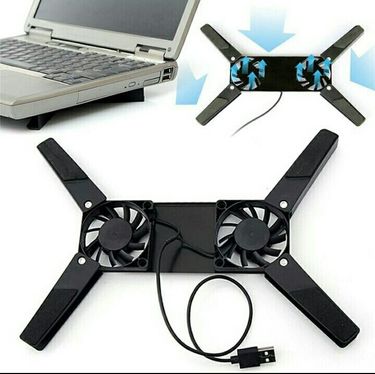
Suporte para ventilador de notebook, cooler USB para notebook, suporte giratório de 10 a 17 polegadas para computador e laptop
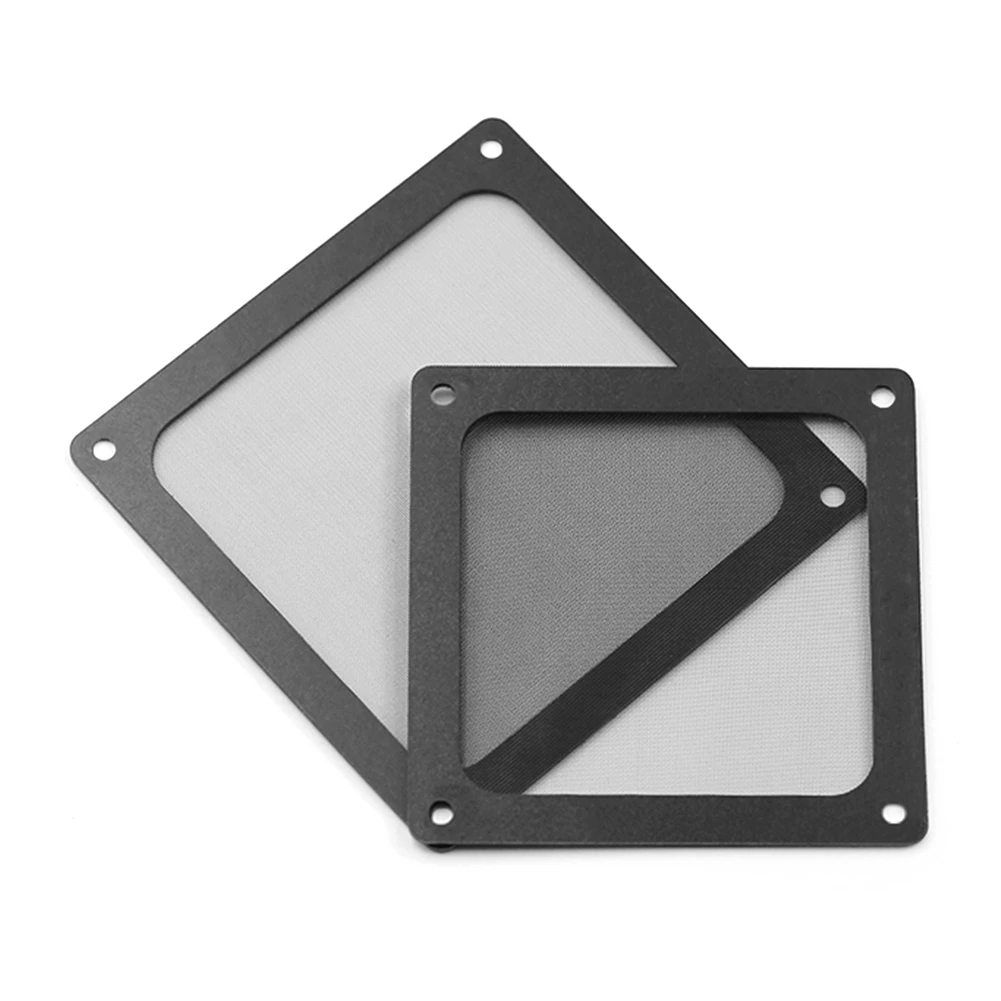
12*12cm/14*14cm pc chassi de refrigeração filtro de poeira magnética pvc net guarda ventilador capa filtro de poeira antipoeira net 8*8cm para computador

5Pcs PC Desktop Computador Cooler Ventilador Filtro de Poeira Malha Capa de Capa À Prova de Poeira
12*12cm/14*14cm pc chassi de refrigeração filtro de poeira magnética pvc net guarda ventilador capa filtro de poeira antipoeira net 8*8cm para computador
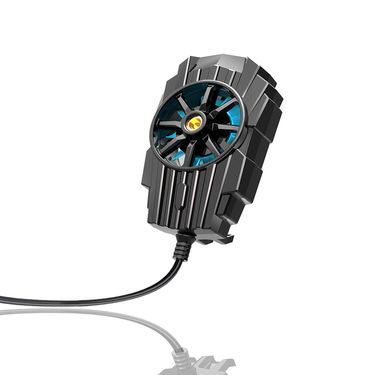
Ventilador de resfriamento com dissipação de calor para celular alimentado por USB, clipe traseiro, refrigerador de jogos, dissipador de calor para celular, para iPhone/Samsung/Xiaomi
Alumínio ARGB M.2 SSD Disco Rígido Dissipador Cooler 5V 3Pin NVME NGFF M2 2280 Disco Rígido de Estado Sólido Radiador Resfriamento Almofada Térmica

Cooler para CPU Magic Space X600 com 6 Heat Pipes, ARGB e Ventoinha de 12cm, Compatível com LGA1200/1700 e Soquetes AM4 e AM5.
Cooler para computador com 6 tubos de cobre, compatível com AMD 1851 2011, multiplataforma, com controle de temperatura, silencioso, torre de 12 cm e duas ventoinhas para CPU.
Cooling Fans for Stable PC Performance and Better Airflow
When your PC starts sounding like it’s preparing for takeoff, and your desk area feels warmer than it should, you need to buy a cooling fan and cooling pads for your device. Most of us notice heat only when it becomes annoying—lag during a task, a sudden spike in fan noise, or the case feeling oddly hot.
Once your system is running cooler, you'll work better. Get trendy laptop and PC accessories in Voghion.
Why Proper Cooling Matters for Every Computer Build
Sometimes it’s slowly building up while you’re working with 30 browser tabs open, exporting files, or letting a game download in the background. When airflow is weak, warm air hangs around inside the case, and your components are basically re-heating the same air over and over.
With a solid computer cooling fan moving air the way it should, hot air will be pushed out more consistently. Paired with a laptop cooling pad or tablet stand, your device will never run slowly.
Key Benefits: Lower Temperatures, Longer Component Lifespan
When your system is running cooler, it tends to behave better. Even better, the whole setup can feel calmer—less fan ramping and fewer temperature swings.
A reliable pc cooling fan also reduces long-term heat stress on parts that are expensive to replace. That matters if you’re keeping your build for years, or if you’re already noticing temps creeping up with time.
Noise is part of the story too. Fans that move air efficiently can often spin at lower speeds, which means your PC will stay quieter while you’re gaming, rendering, or just trying to focus. Try our silent wireless keyboard and ergonomic gaming mouse, you will get a better gaming experience.
Common Use Scenarios: Gaming, Workstations, and Daily PCs
Maybe you’re spending evenings in games where your GPU is running close to its limit, and your system is heating up after an hour or two. In that case, a strong cooling fan for pc will help keep performance steadier while you’re deep into longer sessions.
Work machines can get just as hot. If you’re editing video, doing 3D work, running VMs, or compiling code while a bunch of apps are open, your components are working continuously, and airflow will matter more than you think.
Even for a daily PC, cooling still helps. If your computer is sitting under a desk, near a wall, or in a warmer room, heat can build up gradually.
Choosing the Right Fan Size, Speed, and Airflow Type
Larger fans often move more air at lower speeds, so you can get good airflow without constant noise. Thin designs are trapping heat easily, especially when you’re working for hours. A laptop cooling fan can help reduce that uncomfortable warmth under your hands.
If you’re also trying to make your setup more comfortable, a laptop stand with cooling fan can pull double duty: it improves airflow while raising the screen to a better angle, which your neck and shoulders will appreciate later.
FAQs
Will it be loud?
It depends on airflow planning. When cooling is efficient, fans won’t need to spin aggressively, so noise stays more controlled. If your PC is currently ramping up a lot, better airflow can actually make it quieter overall.
Is installation hard?
Usually it’s straightforward, although you’ll want to check case clearance, mounting points, and connectors. When you’ve matched the fan size to your case and planned intake/exhaust, setup tends to go smoothly.
What should I watch out for?
Dust buildup and poor placement. Even strong fans struggle when filters are clogged or airflow is blocked. If you keep things clean and plan airflow direction, your cooling will stay reliable for the long run.
 4.4 de 5 com base em 9,249 avaliações