
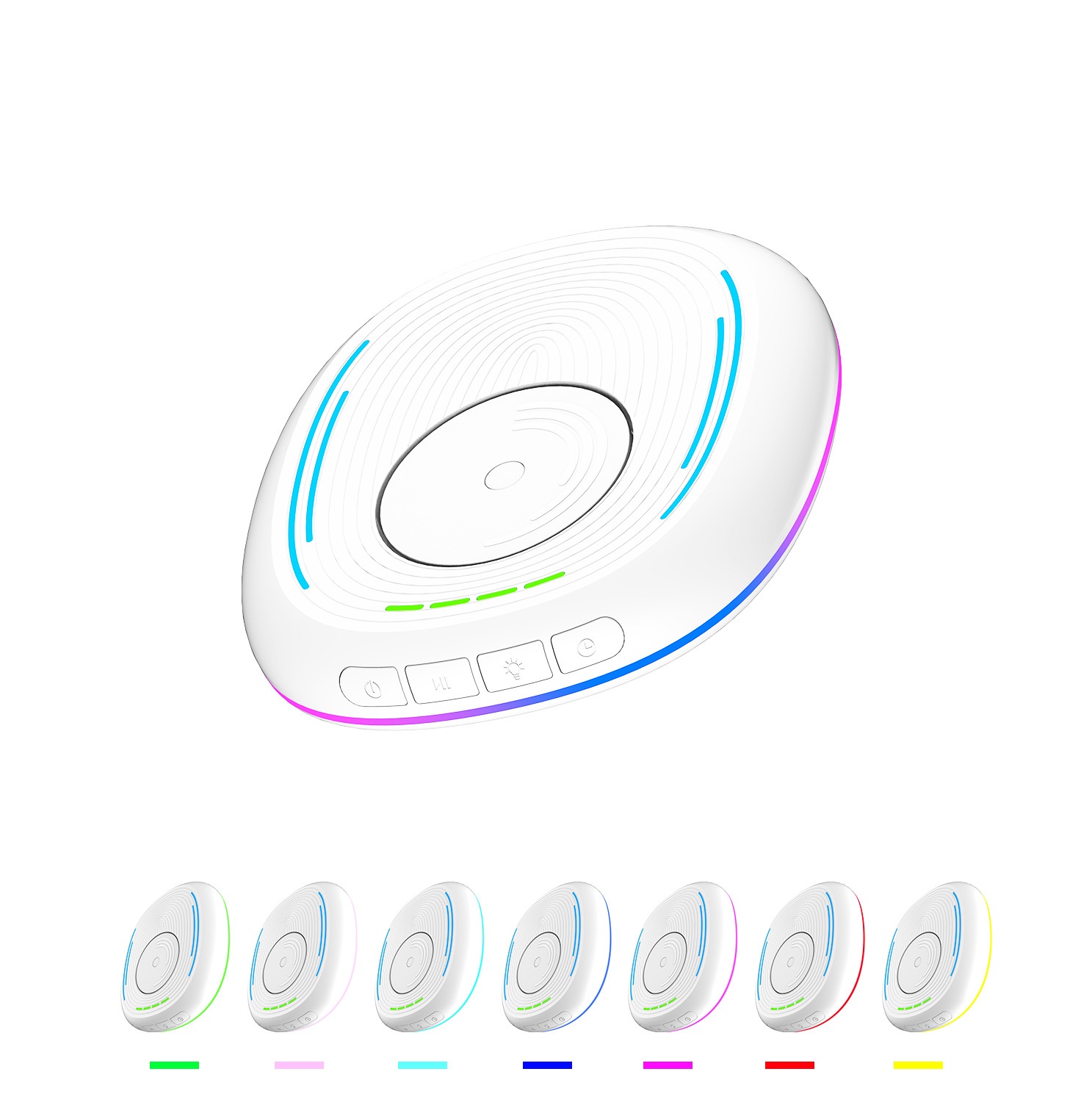
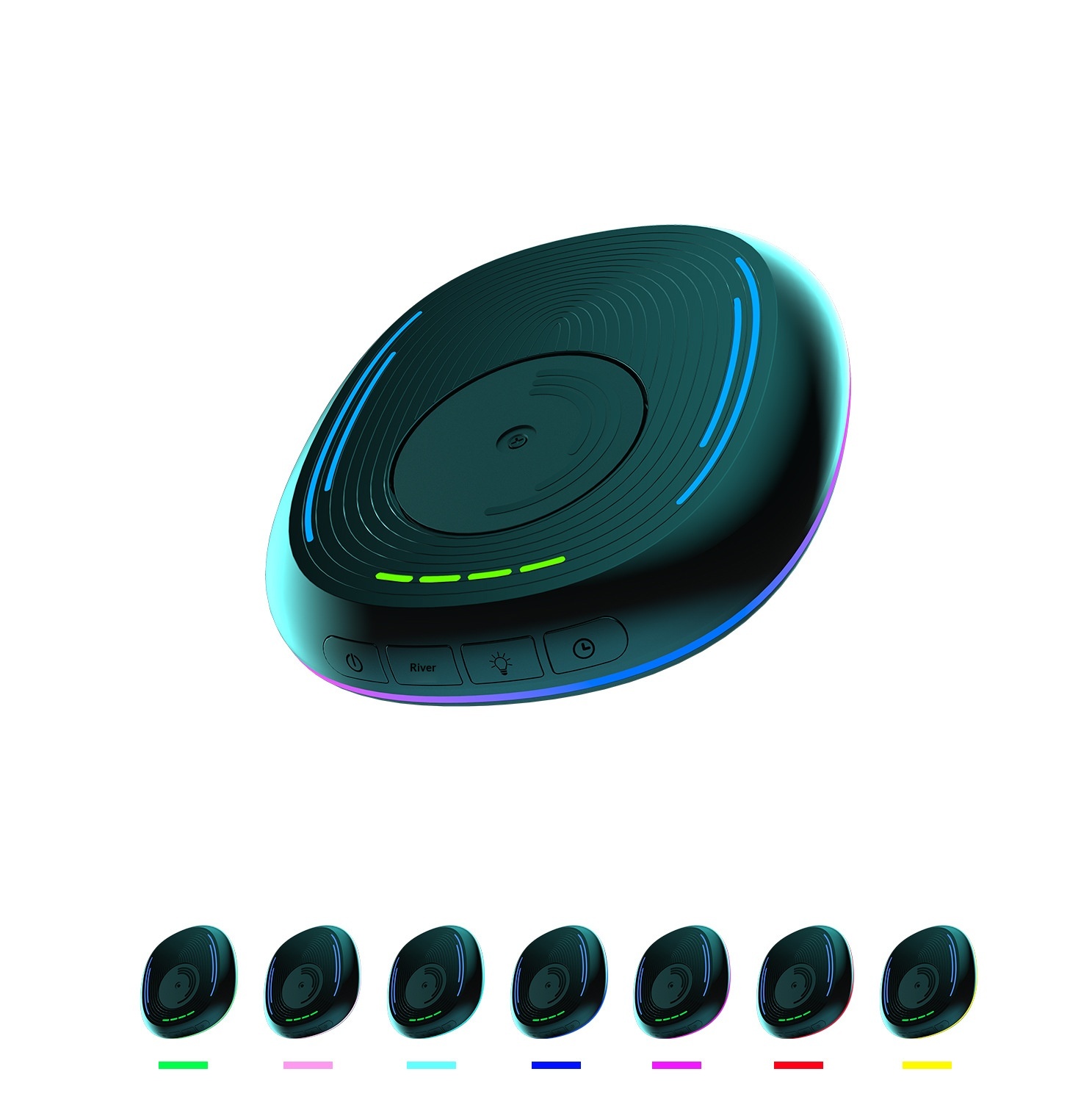

Visão completa
Itens similares
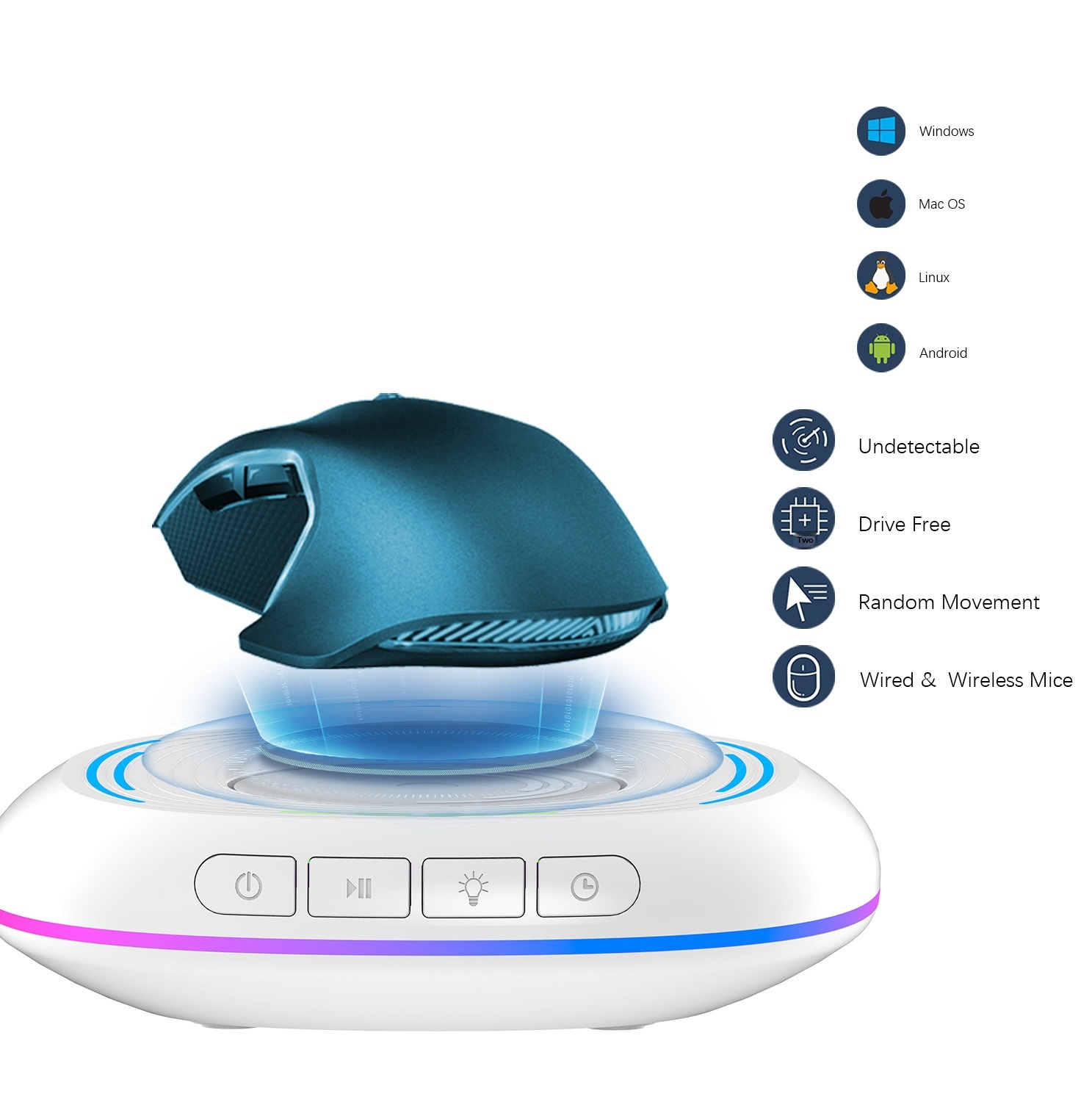
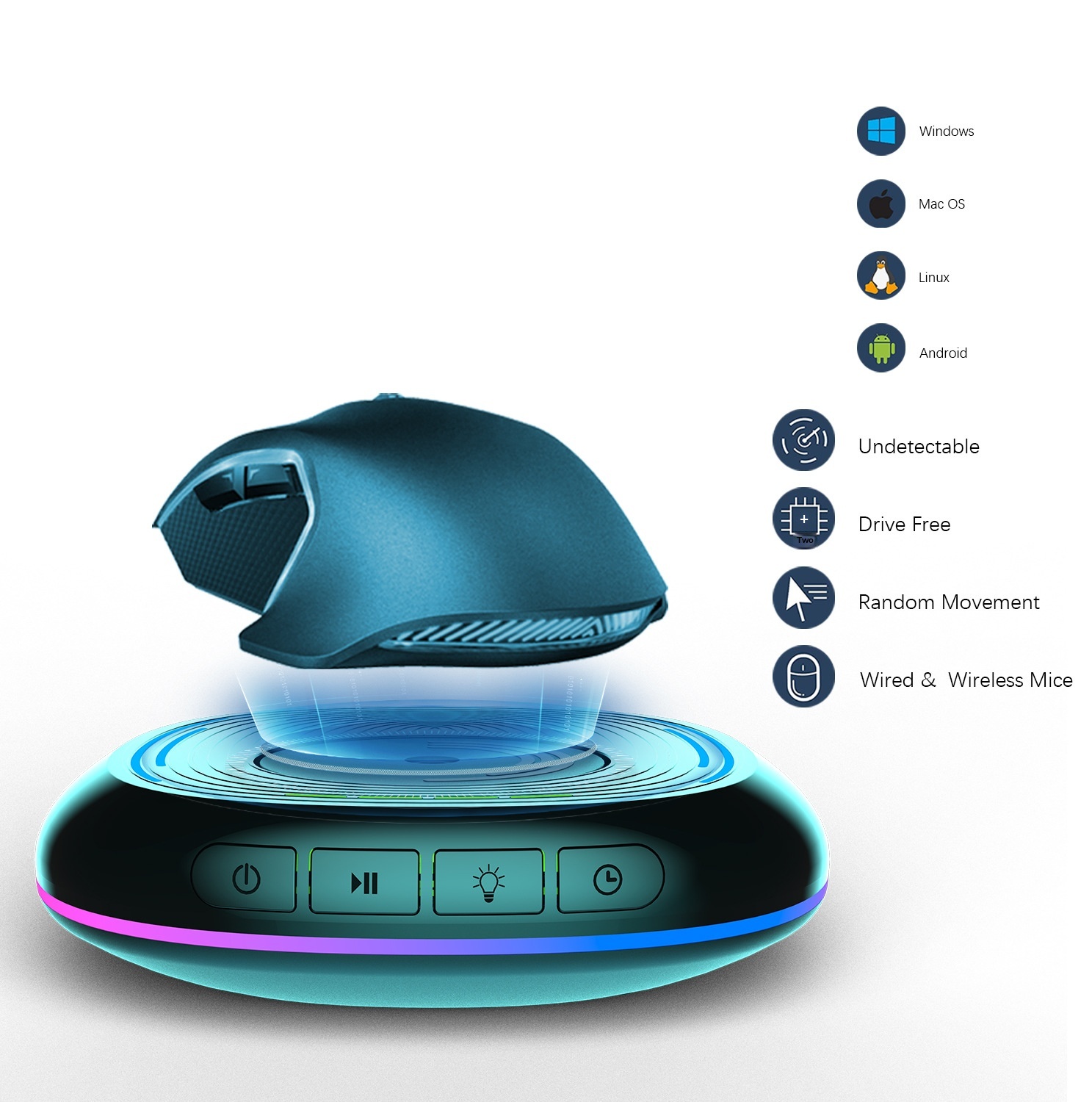
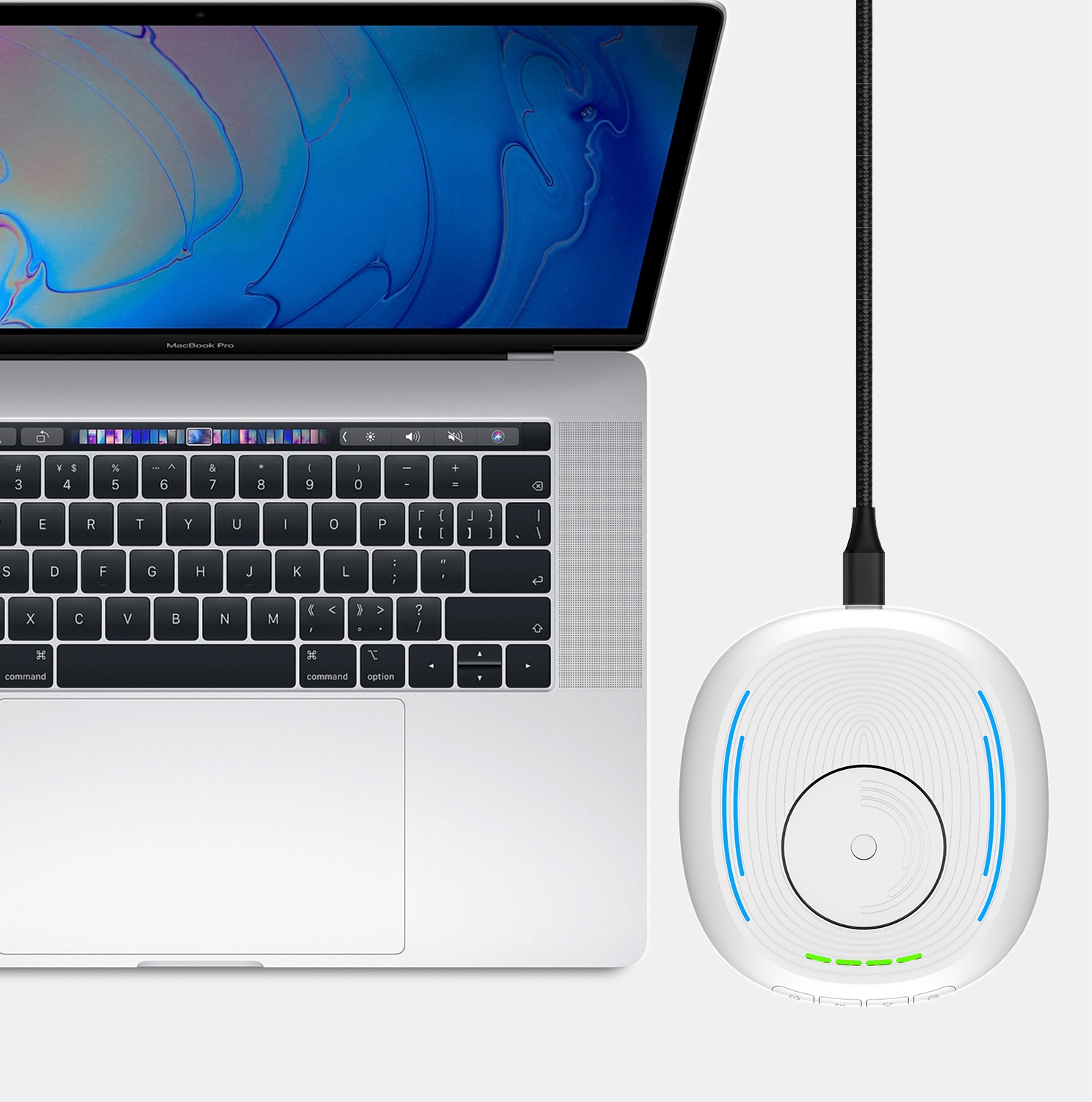
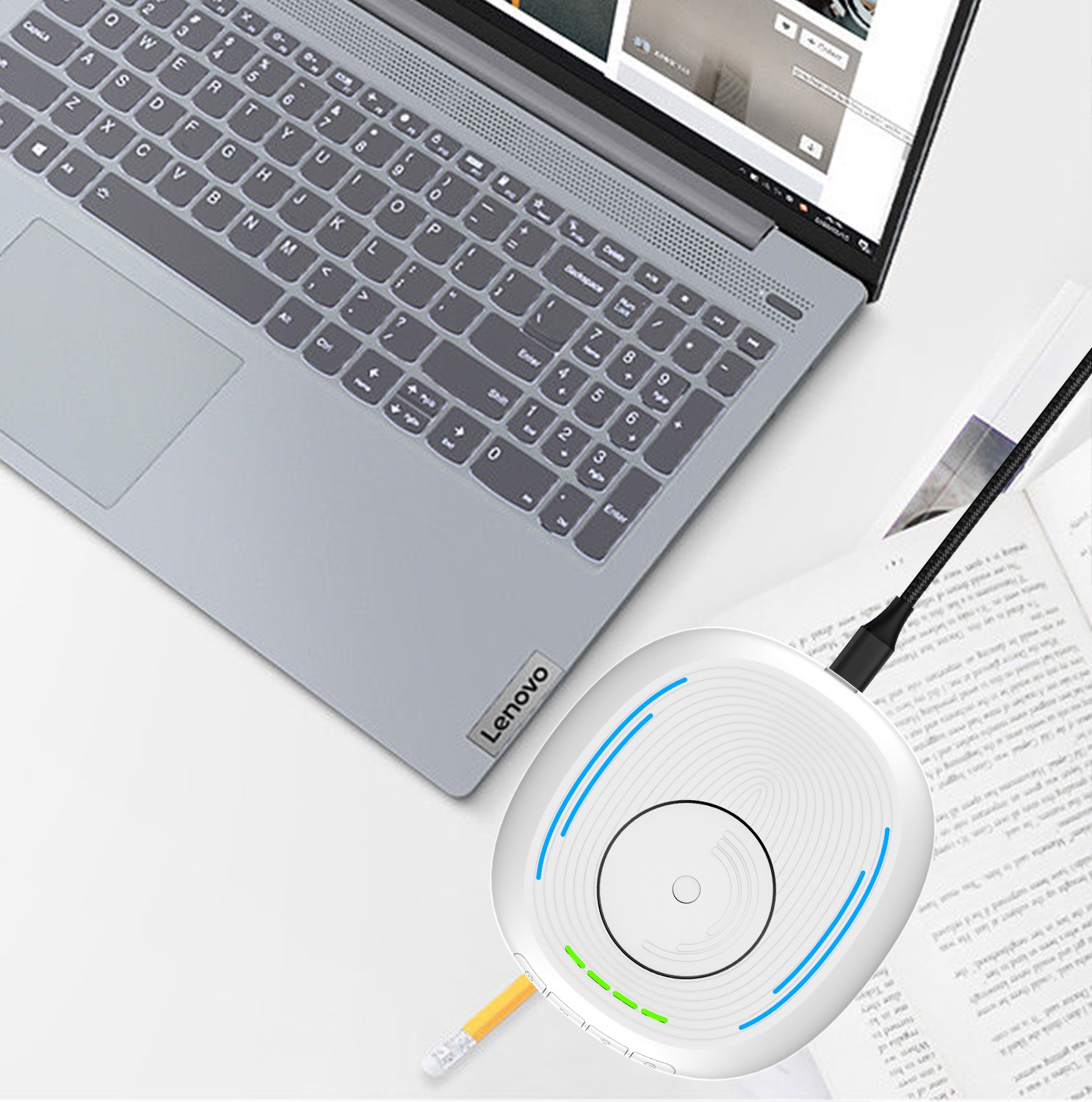
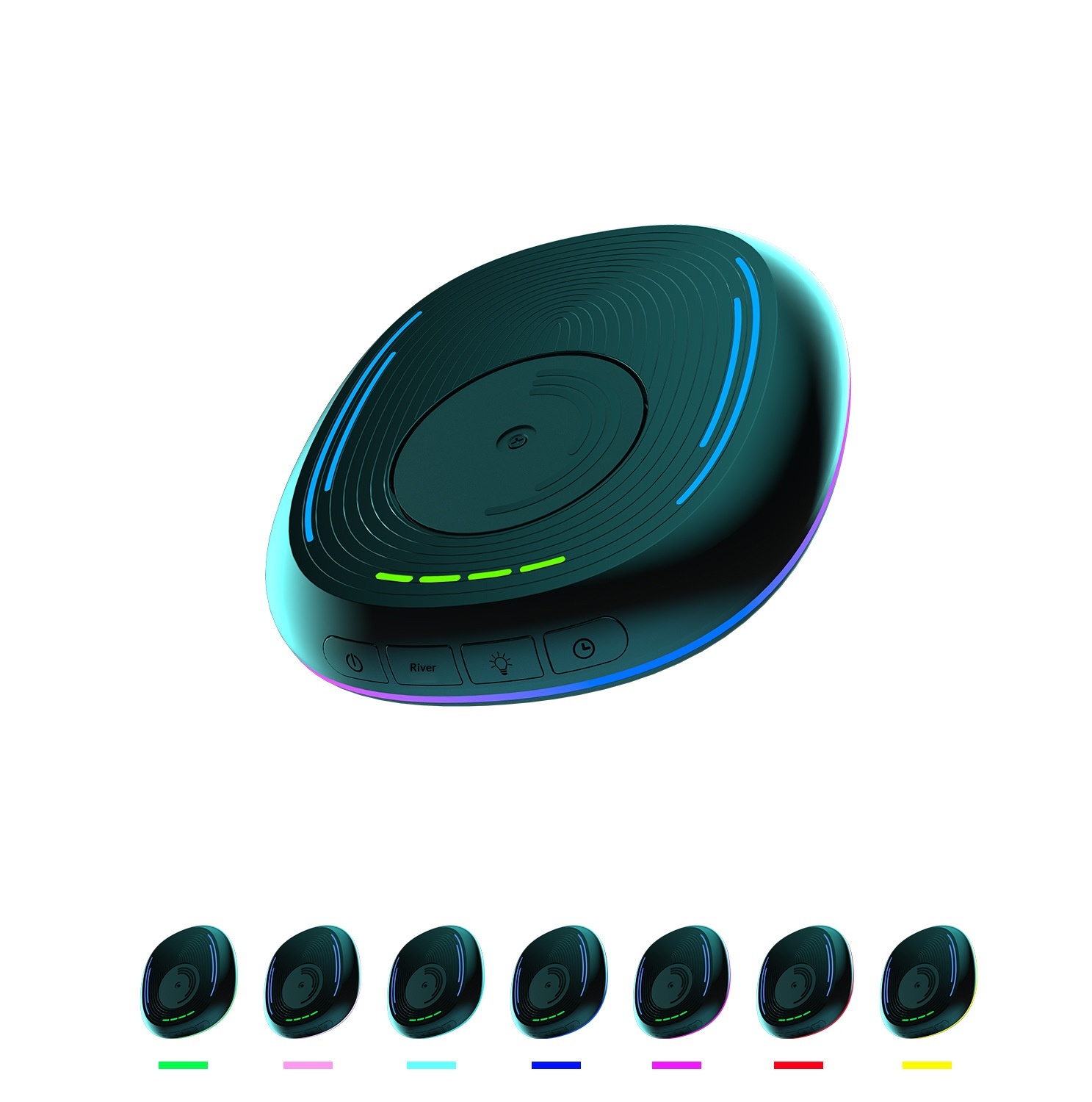
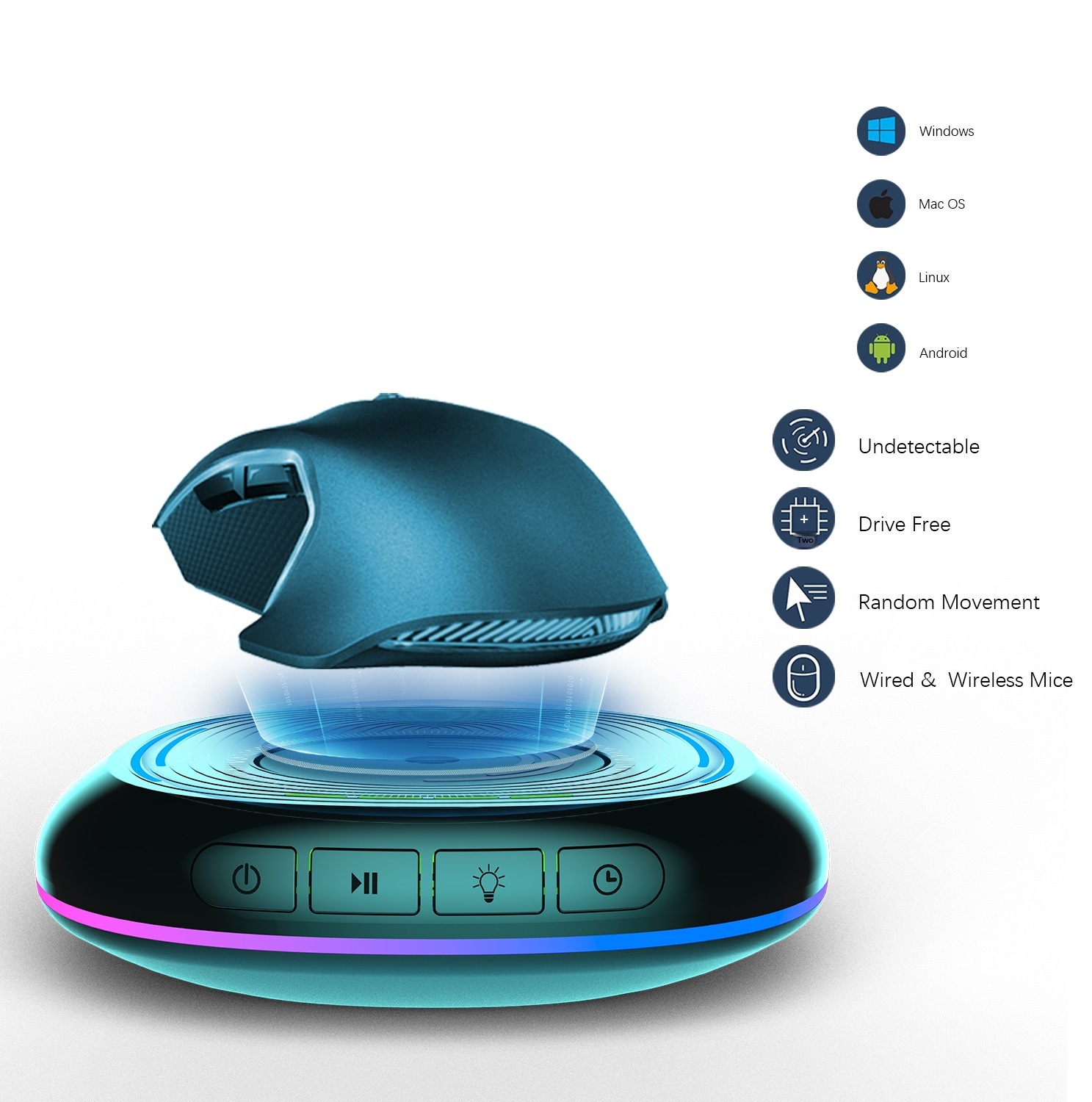
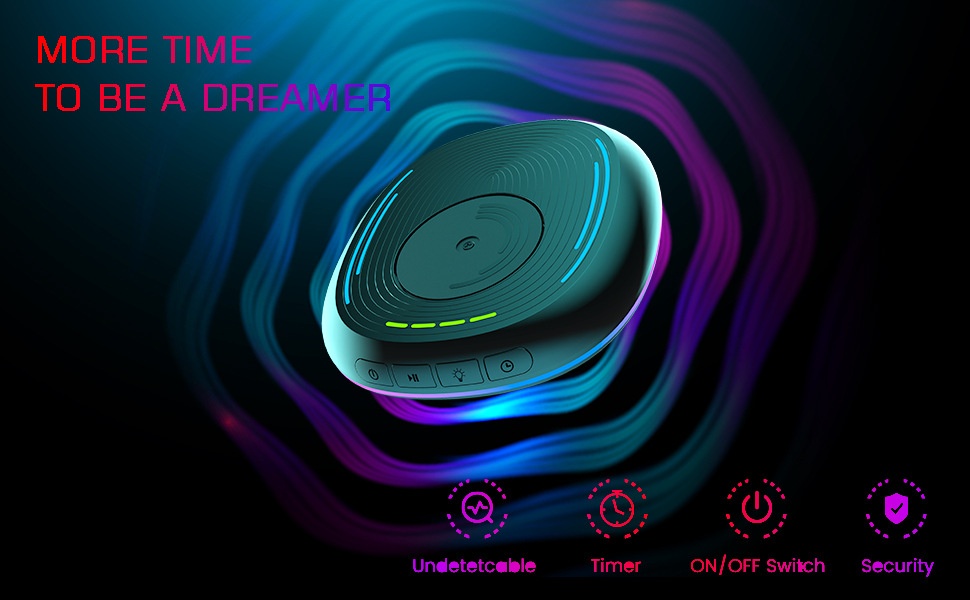
Luz LED com movimento automático anti-suspensão para evitar bloqueio de tela do computador, acessório para jogos, dispositivo para mover o mouse.
32,11€49,31€
Cor : Branco
Quantidade :
 Customer Service
Relatório
Incluir violação de direitos autoraisFrete padrão grátis. Veja detalhes
Estimado entre Sun, Apr 26 e Sat, May 2
Você pode devolver o produto em até 30 dias após o recebimento. Veja detalhes
Compre com confiança

Garantia de devolução do dinheiro
Receba o item que você pediu ou seu dinheiro de volta. Saber mais
Sobre este item
Fonte: DigitalHubShop
O vendedor assume toda a responsabilidade por este anúncio.Número de item: 35896931
Especificações dos itens
Características
Outros, Rgb, Luz mista
Eixo
Outros, Eixo Óptico, Eixo Verde
Teclado numérico
Não, sim
Conexão
Outros, Multimodo, Com fio
Tamanho
100Mm-120Mm, 121Mm-130Mm, <100Mm
Descrição do item do vendedor
This product has been exclusively licensed to Amazon in the United States. Please do not list it on Amazon in the United States, otherwise complaints will not be withdrawn!
Product Name: Mouse Mover
Product material: ABS.PC
Product model.LZD-Q18
Product weight: 184g
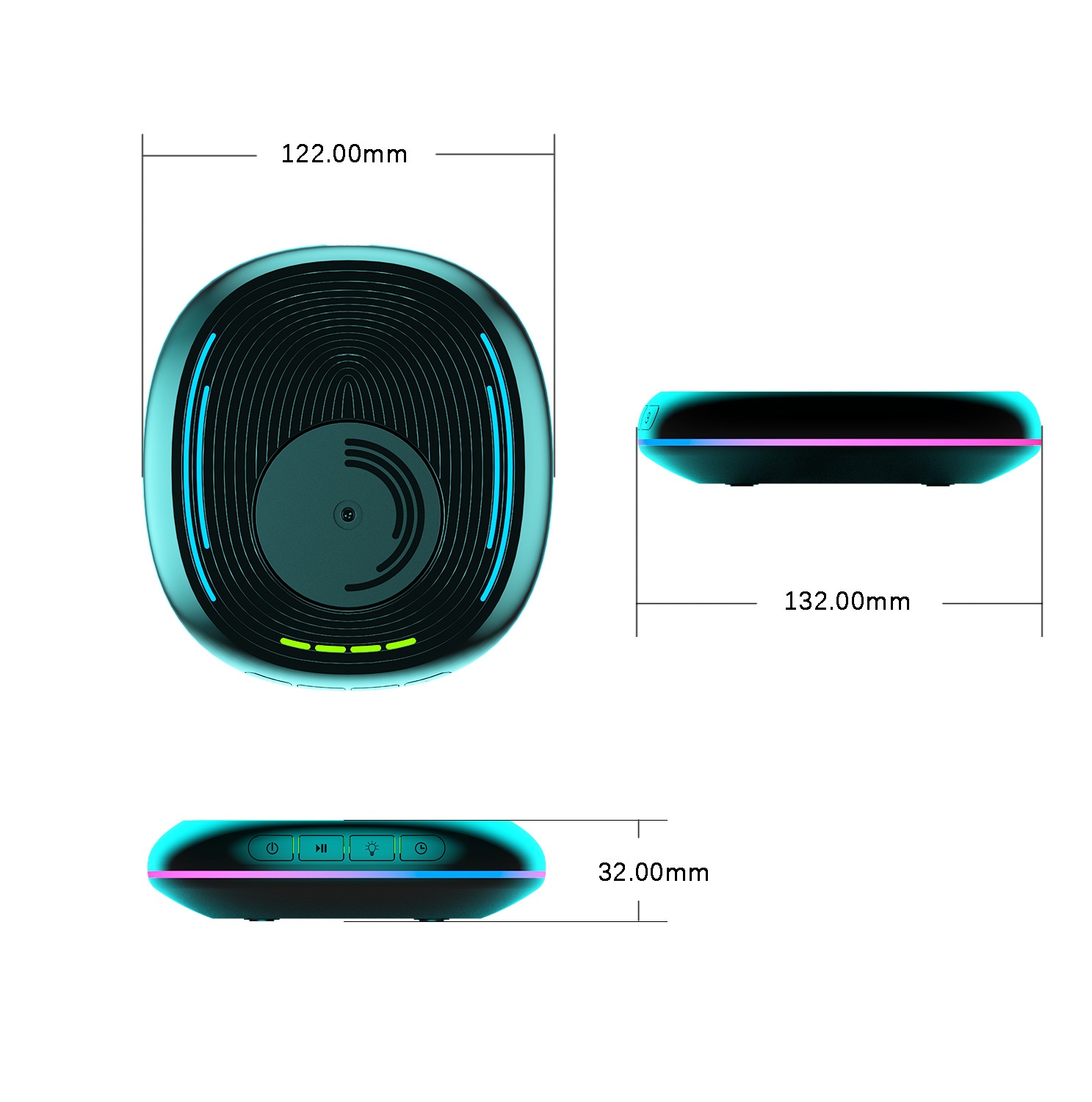
Product dimensions: Length 132MM*122MM*30.2MM
Power supply interface: USB-Type-C
Operating Voltage: 5V
Operating current: Less than 500mA
Operating temperature: 5℃-85℃
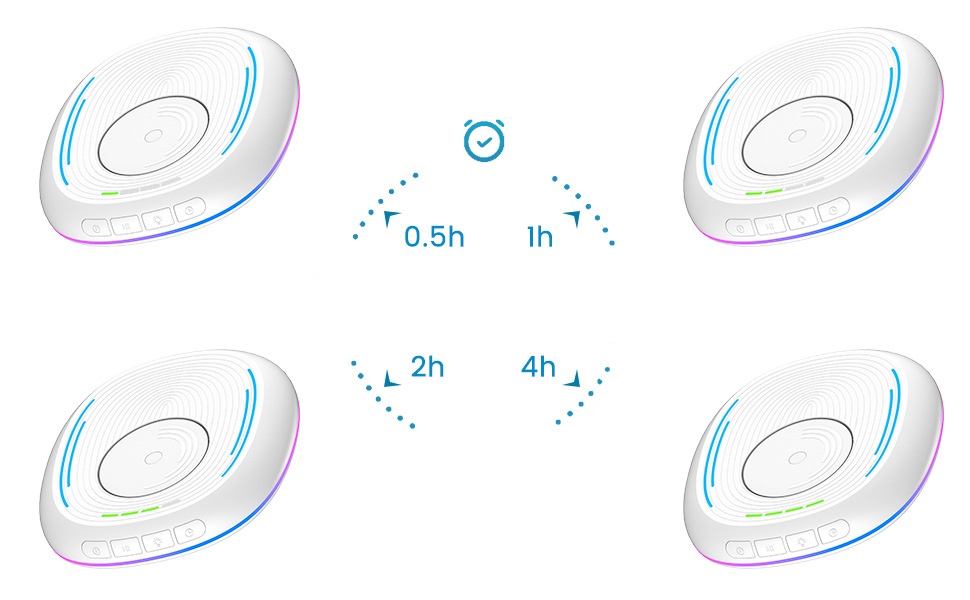
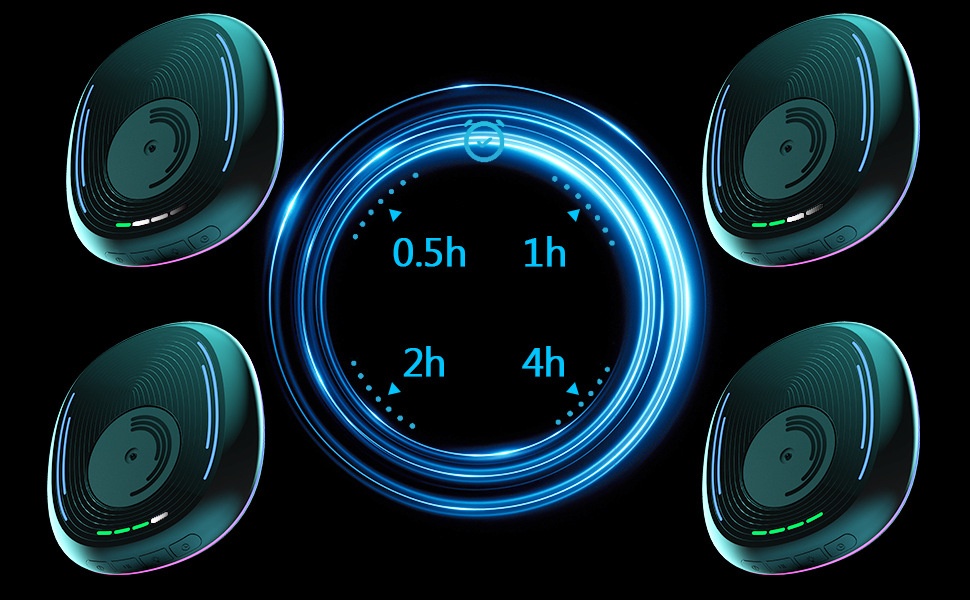
Scheduled working time: 0.5 hours/1 hour/2 hours/4 hours
2. Usage Functions:
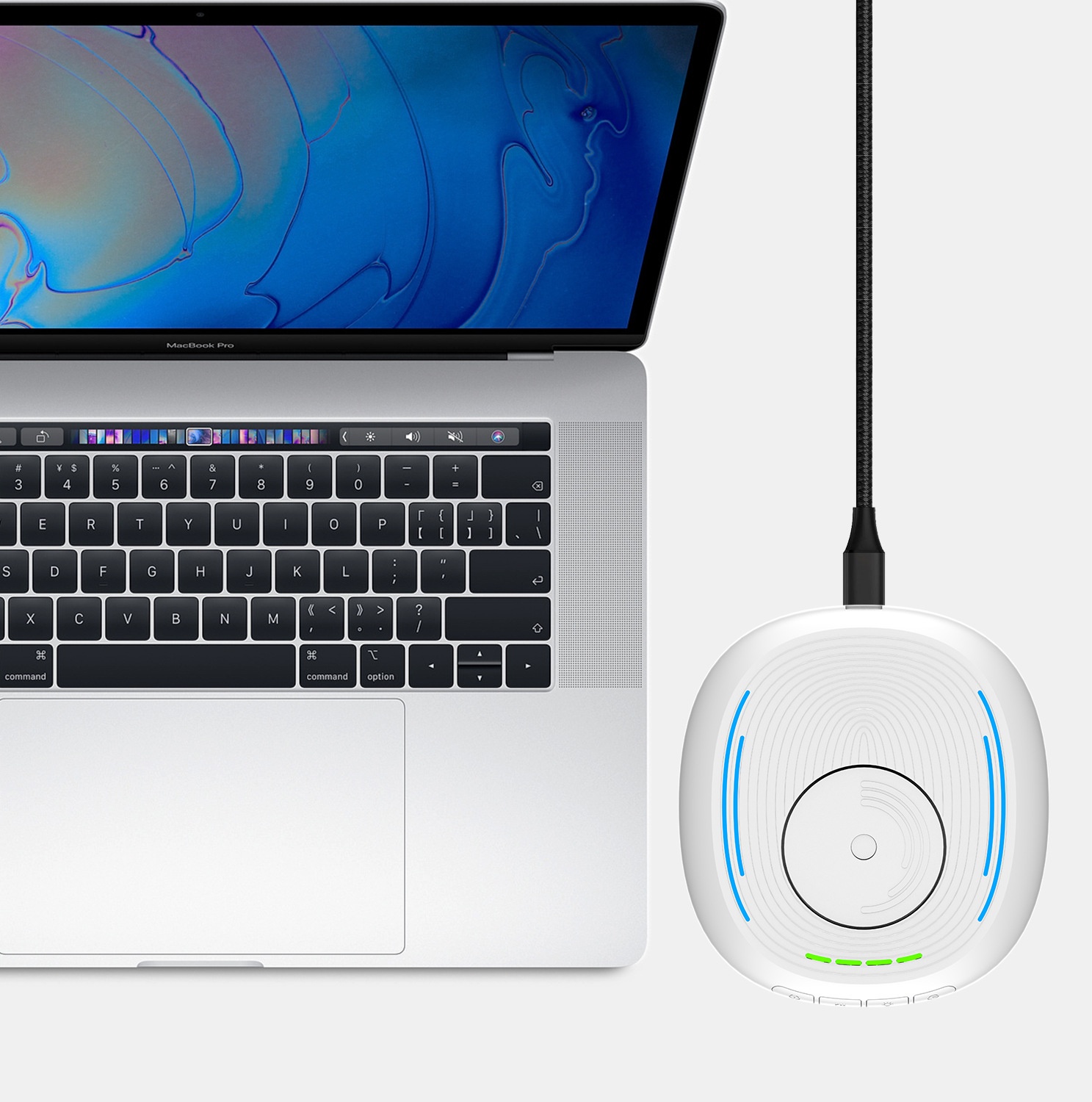
1.Use a Type-C power cable to connect this product to a computer or charger. Charger power: 5V1A.
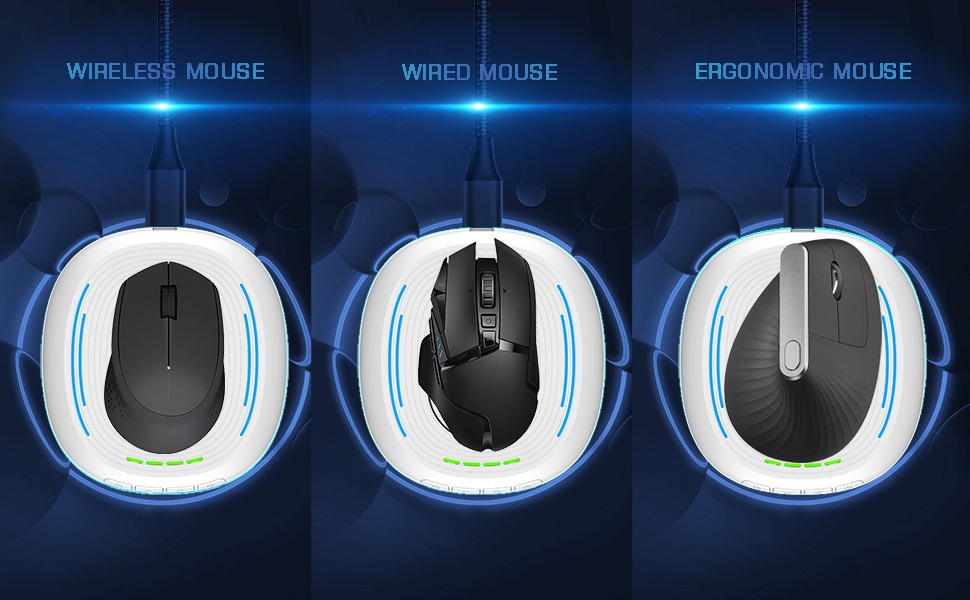
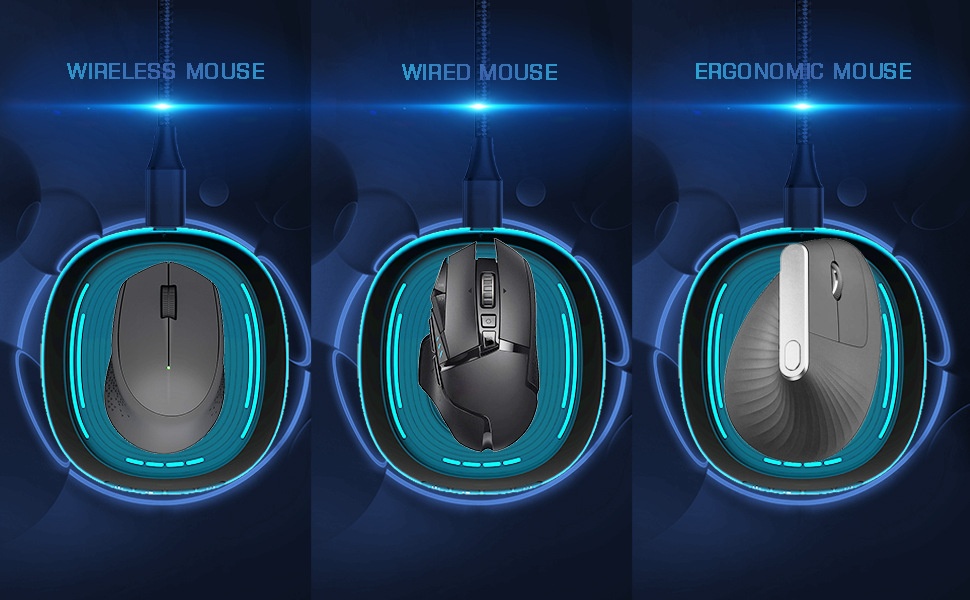
2.Place the mouse on this product and align the sensor light at the bottom of the mouse with the rotating disc of this product.
3. When powered on, it defaults to shutdown, the turntable does not rotate, and all lights are off.
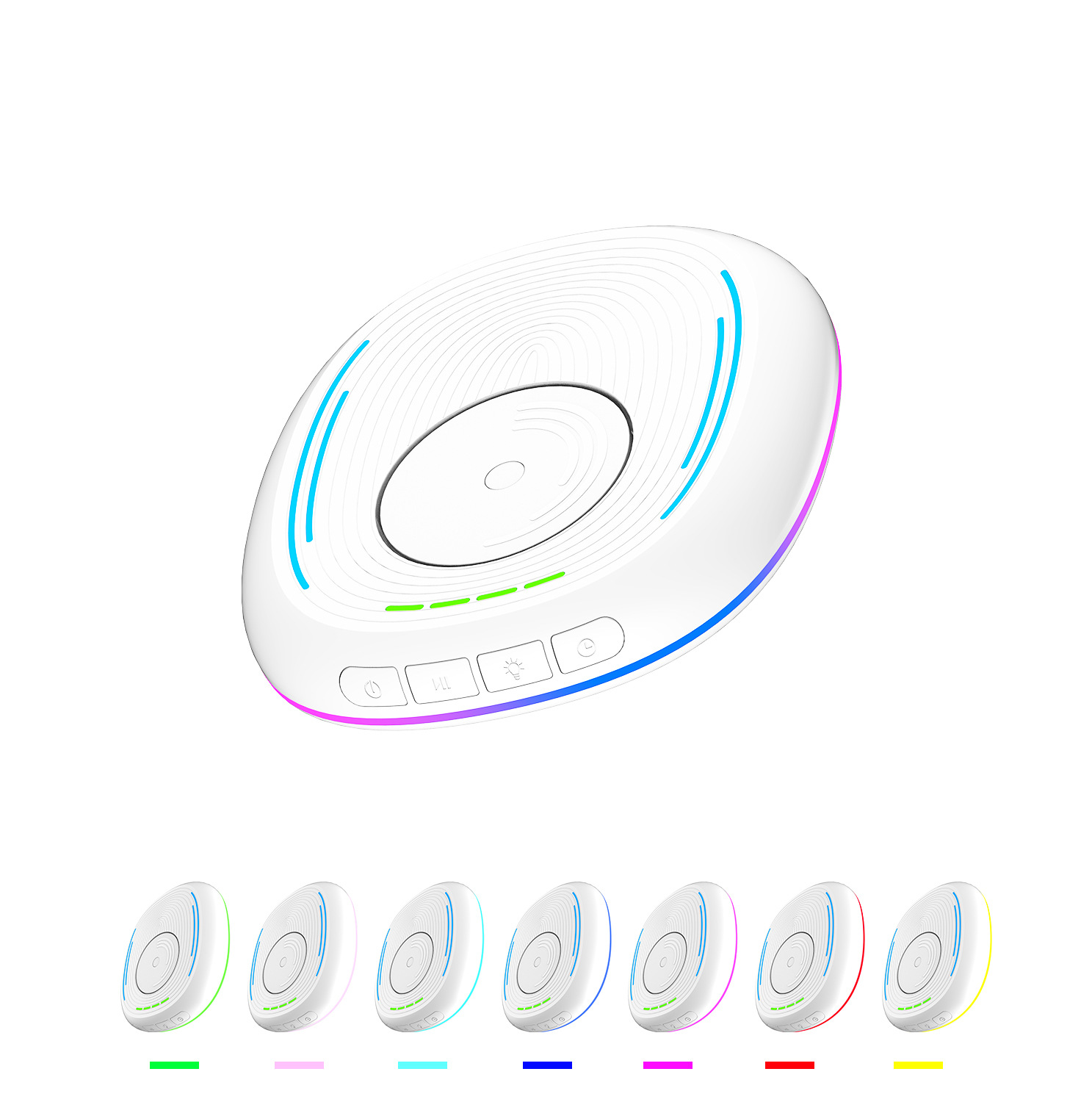
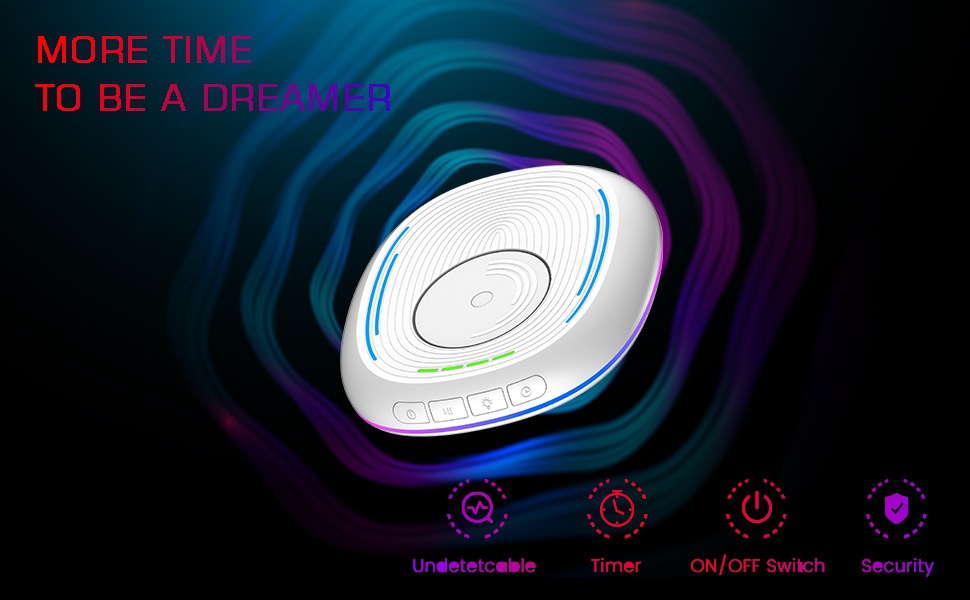
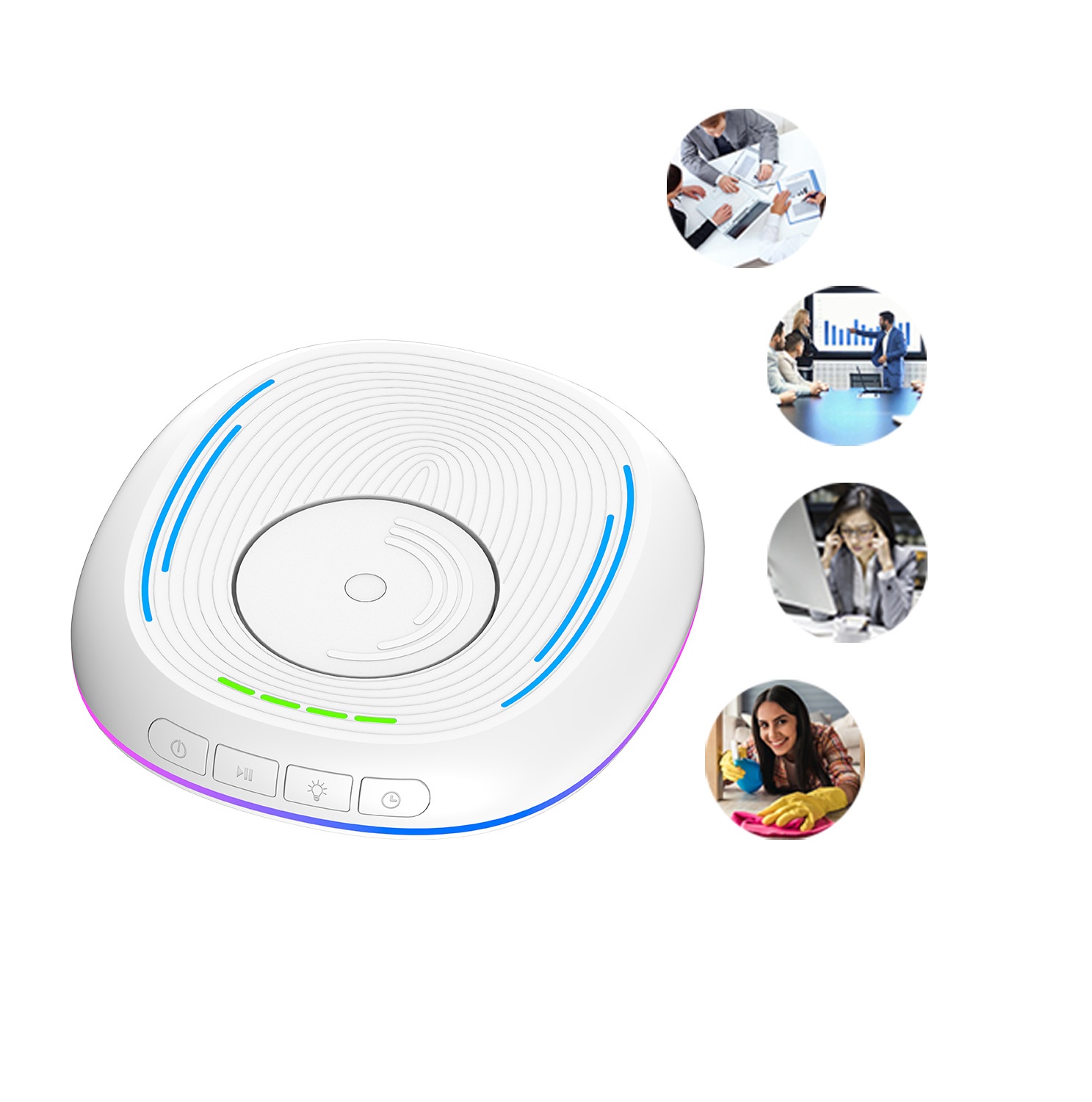
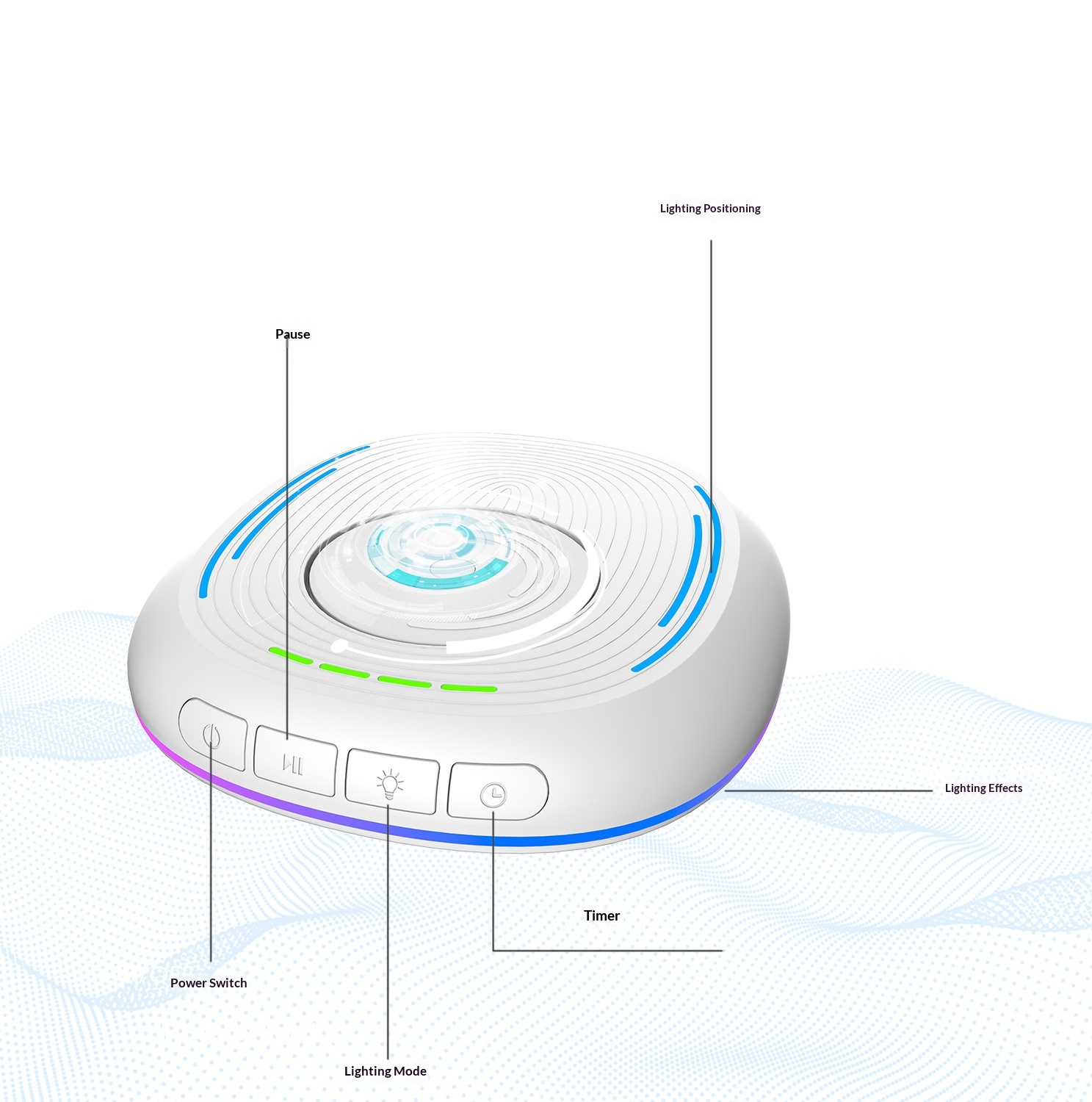
4. Main switch: Press once to turn on, the dial rotates and the light turns on; press again to turn off, the dial stops rotating and the light turns off.
5. Pause: With the main switch turned on, briefly press the dial to stop its rotation, and press it again to resume rotation.
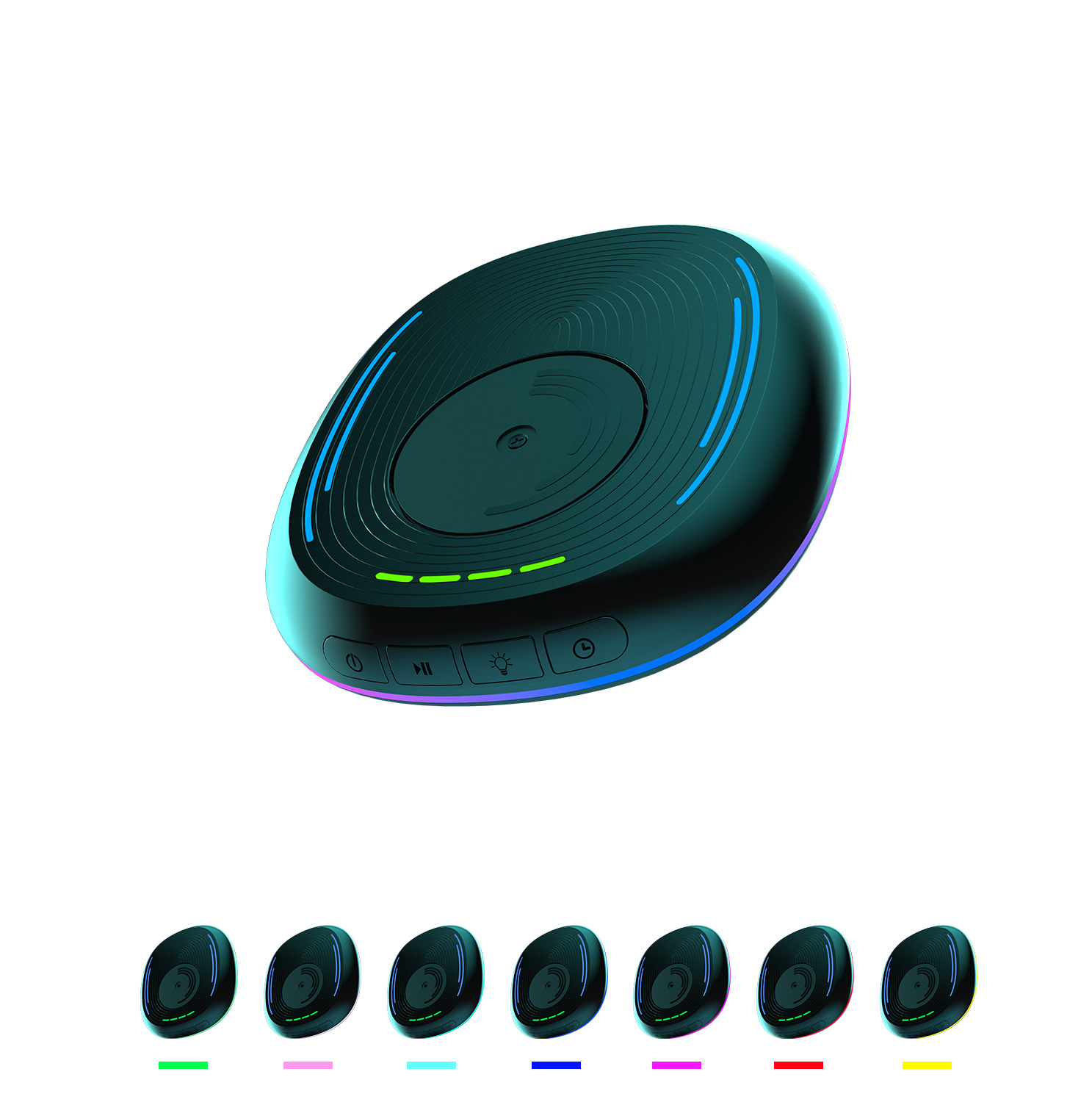
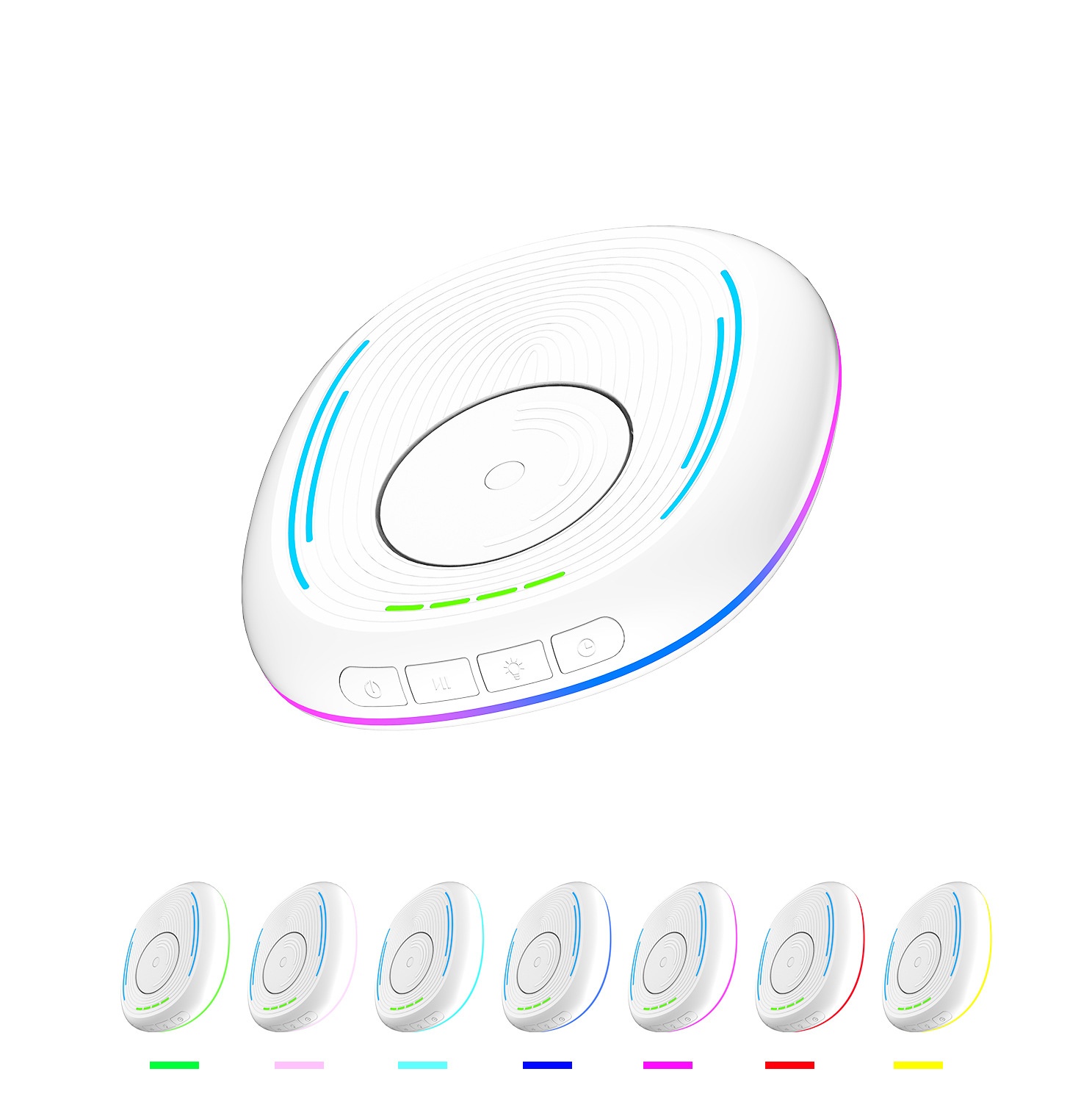
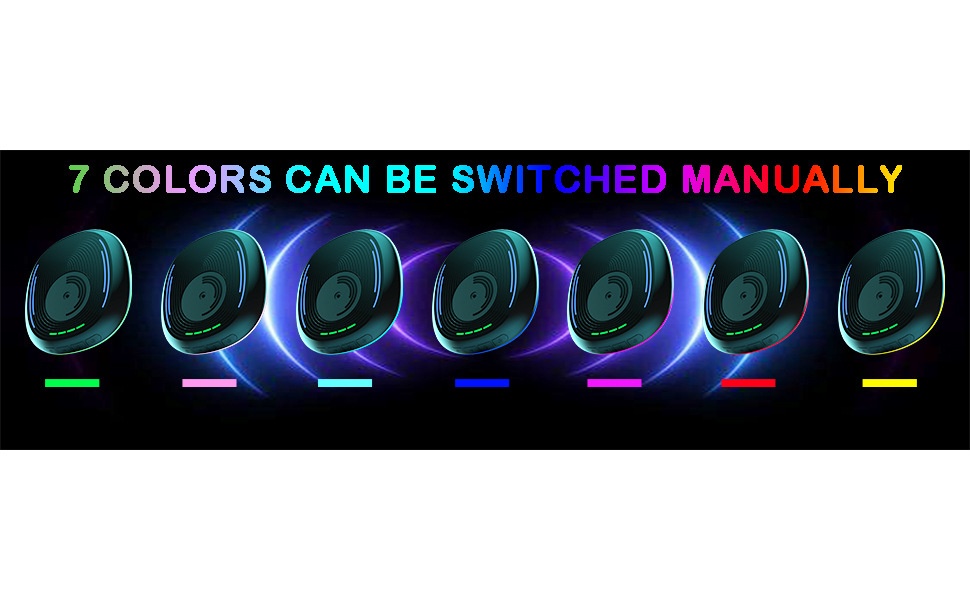
6. Lighting: Short press to switch to RGB light mode, with various modes to choose from, such as colorful lights, breathing lights, running lights, etc.; long press to turn off the lights, but the green timer indicator light will not turn off.
7. Timer: When powered on, the timer is set to be off by default, and the green indicator light does not illuminate.Short press to select the timer duration.One indicator light on indicates a 0.5-hour timer, two indicators on indicate a 1-hour timer, three indicators on indicate a 1.5-hour timer, four indicators on indicate a 2-hour timer, and no indicators on indicates the timer function is disabled.
Precautions:
This product should be placed flat on the computer desk, and please pay attention to its placement direction.
Please note that this product should be placed in a location where it is not prone to slipping, to avoid accidental damage from falling off the computer desk.
When using the product, place the mouse on top of it, and make sure the sensor light at the bottom of the mouse is aligned with the rotating disc of this product.
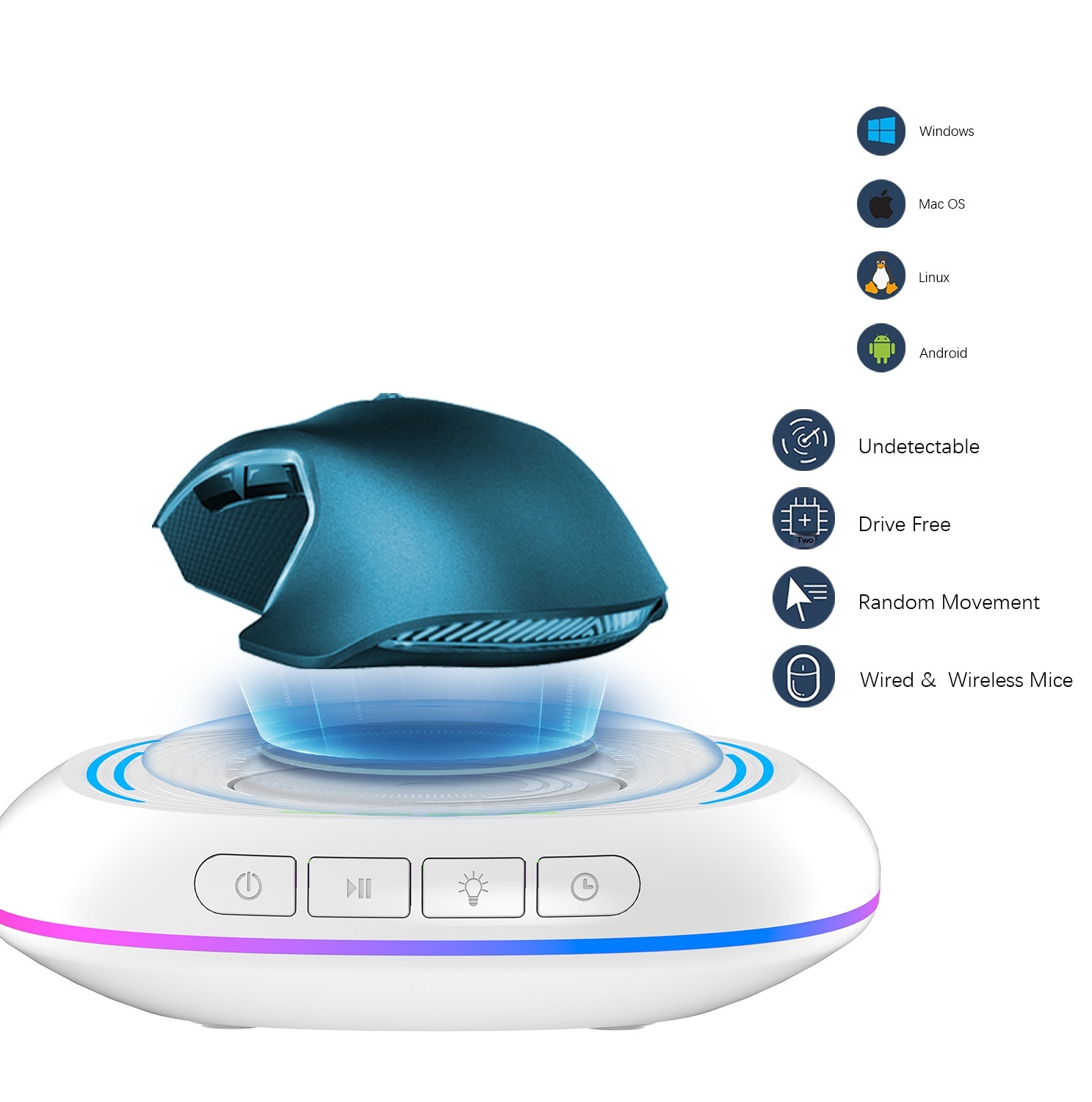
This product is only compatible with optical mice.

 4.4 de 5 com base em 9,249 avaliações