

Visão completa
Itens similares
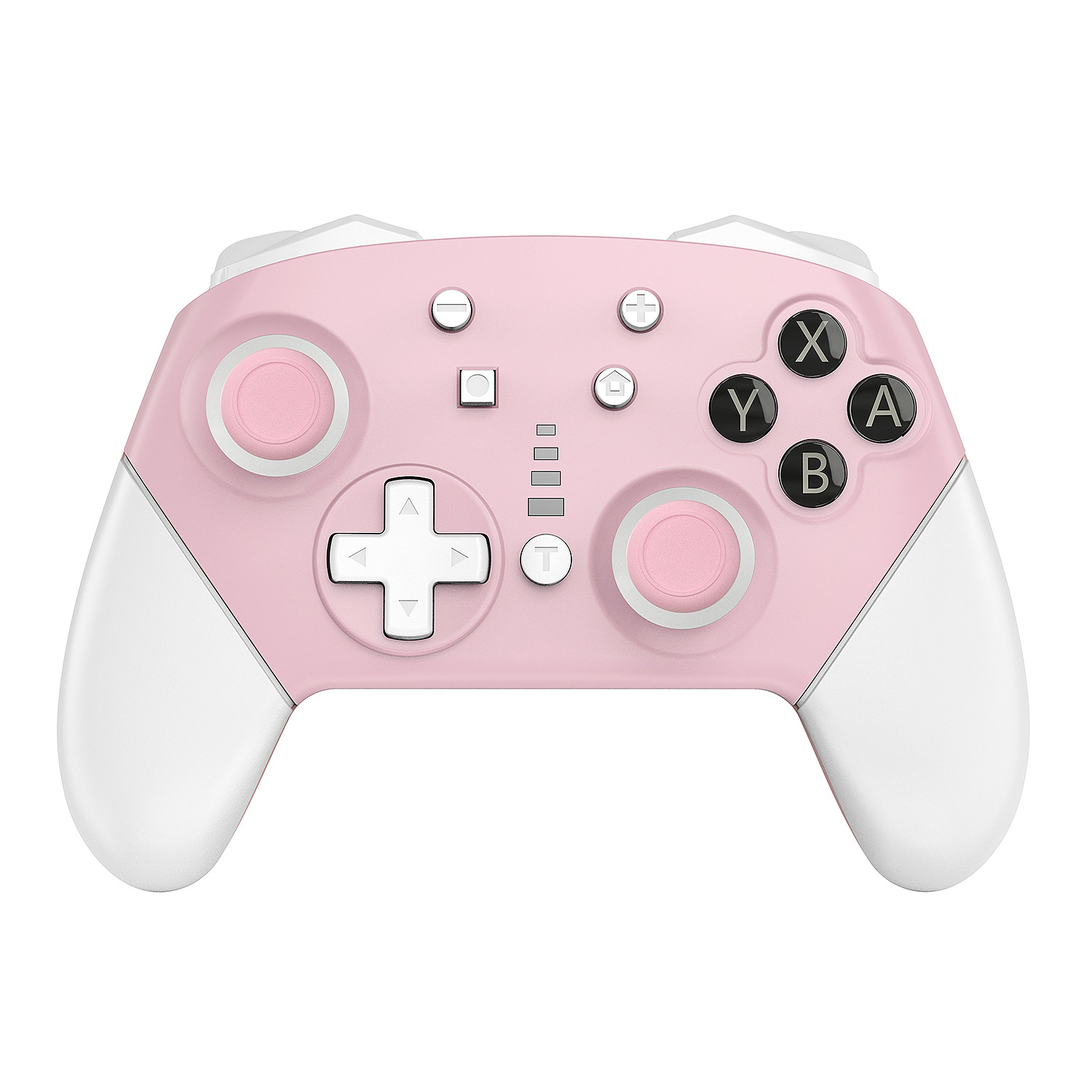
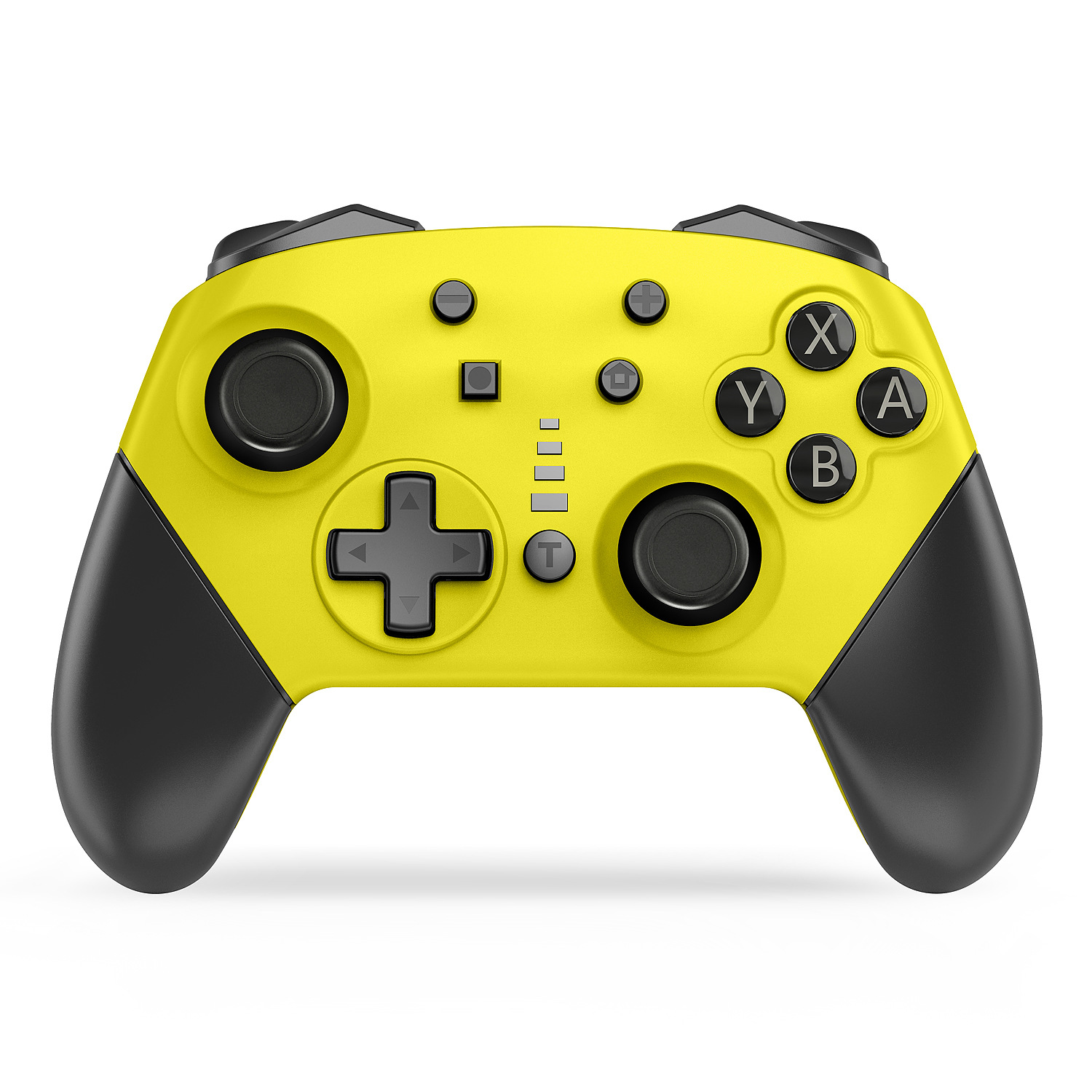
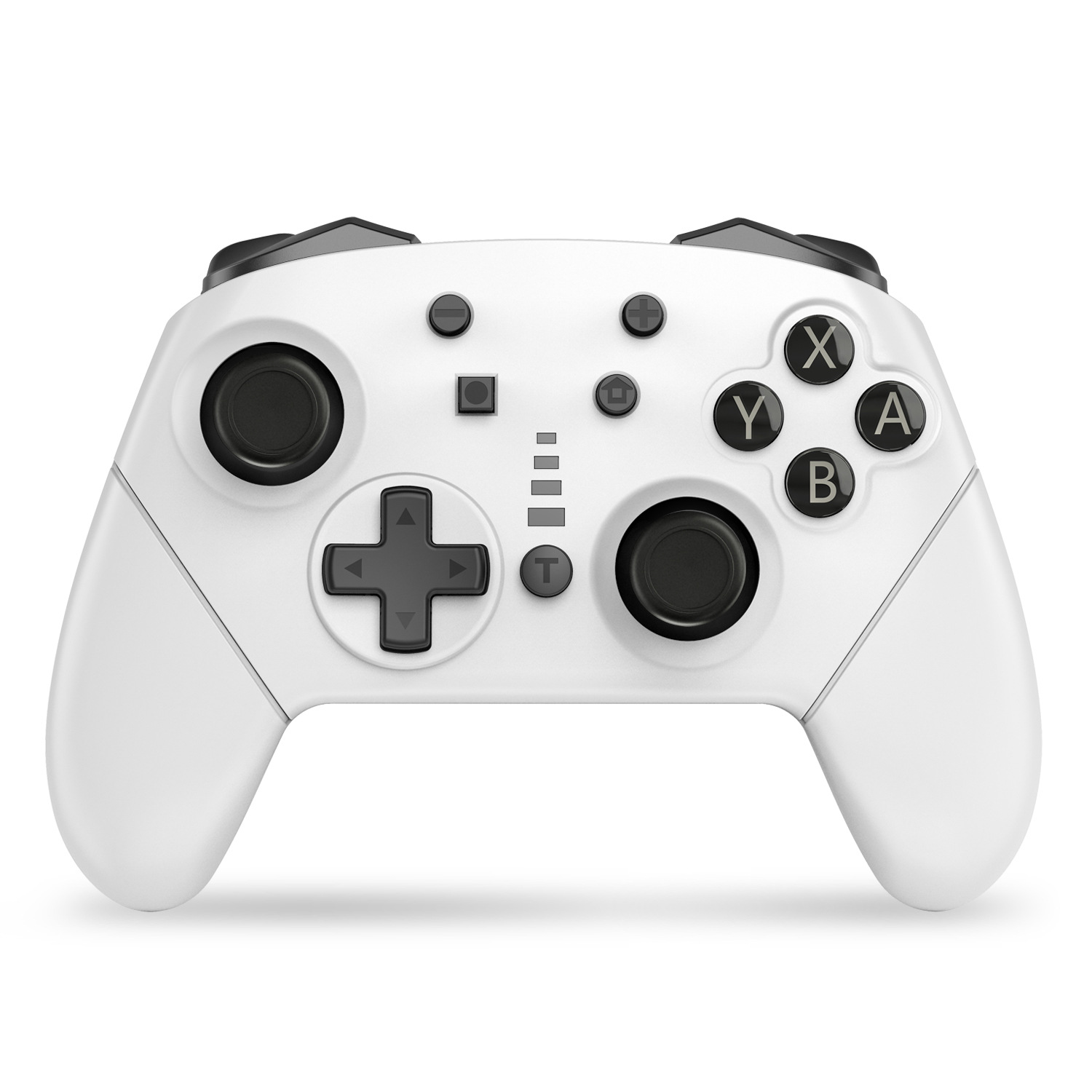
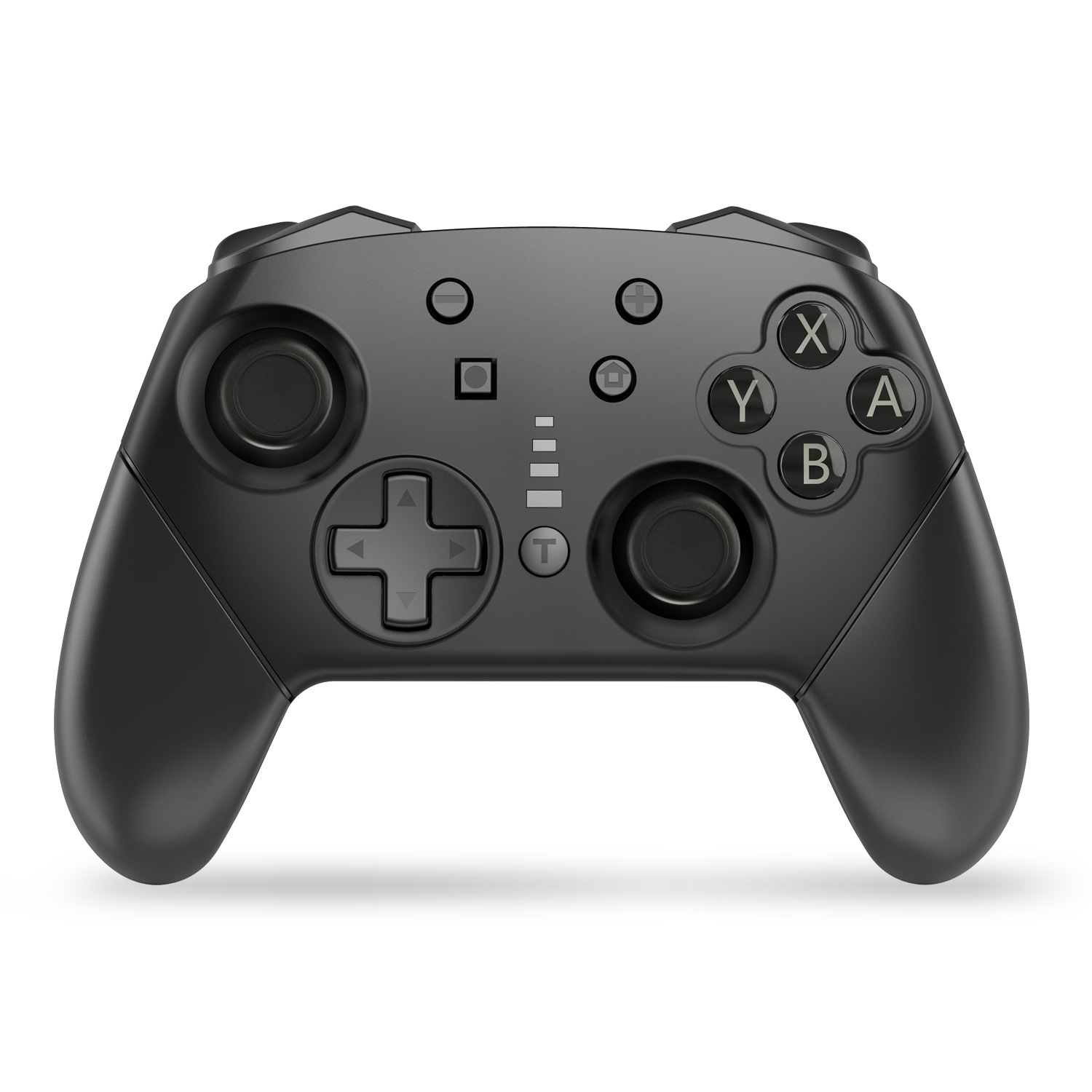
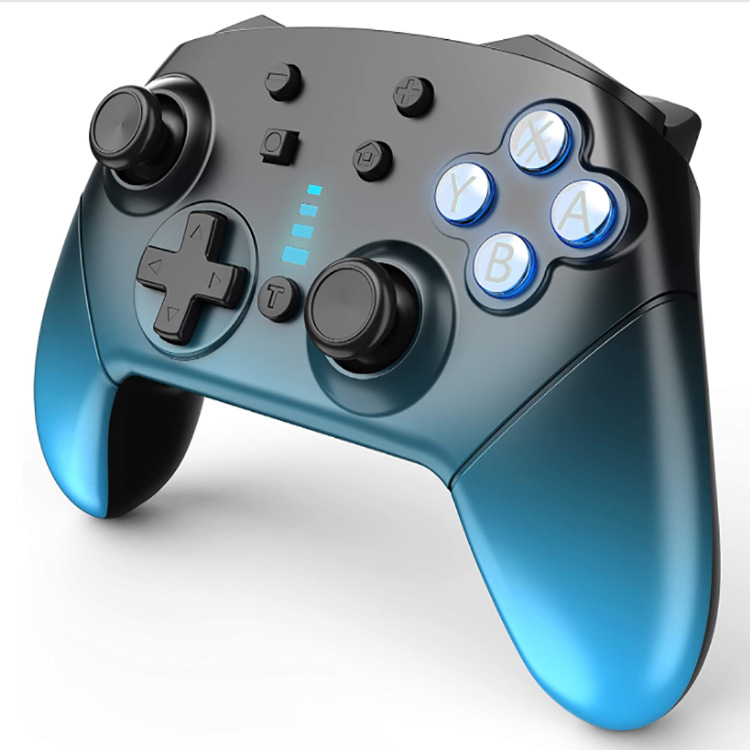
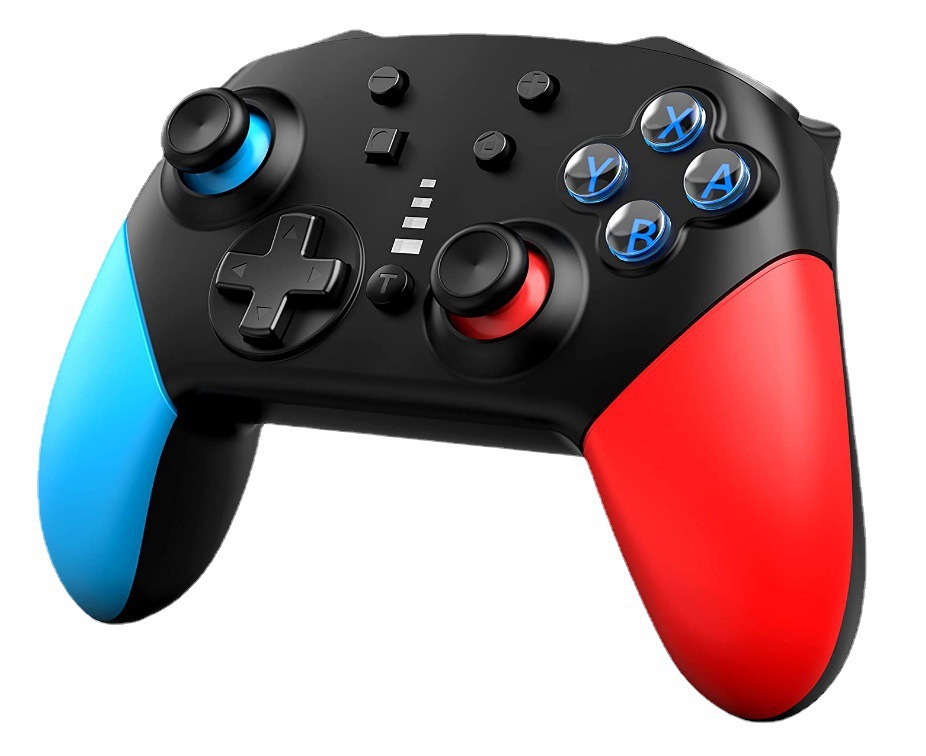
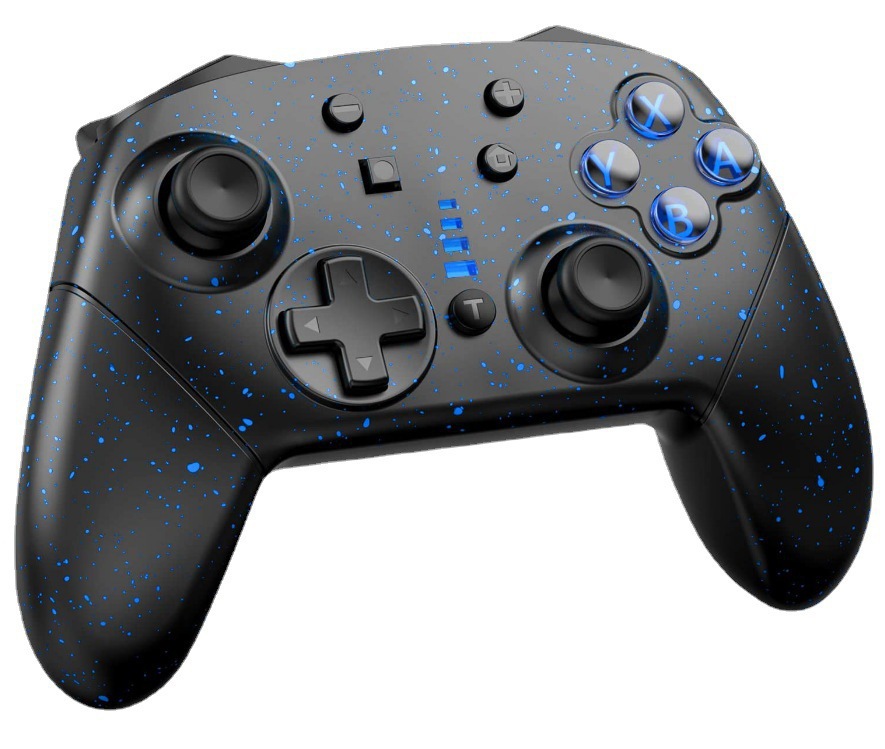
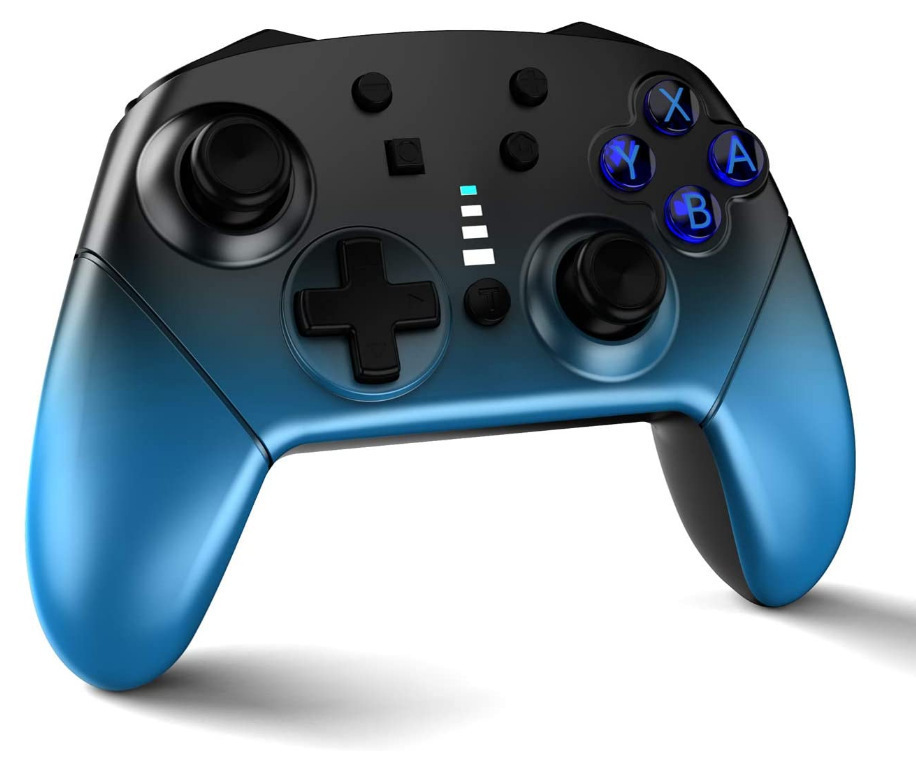
Switch Pro controlador de interruptor de jogo de vibração dupla sem fio para computador PC
37,34€57,74€
Cor do produto : 02 Bicolor Vermelho e Azul
Quantidade :
 Customer Service
Relatório
Incluir violação de direitos autoraisFrete padrão grátis. Veja detalhes
Estimado entre Sun, Apr 5 e Sun, Apr 12
Você pode devolver o produto em até 30 dias após o recebimento. Veja detalhes
Compre com confiança

Garantia de devolução do dinheiro
Receba o item que você pediu ou seu dinheiro de volta. Saber mais
Sobre este item
Fonte: ASdigital product
O vendedor assume toda a responsabilidade por este anúncio.Número de item: 20640781
Especificações dos itens
Conexão
Sem fio, Bluetooth, Com fio
marca compatível
Atari, Konami, PlayStation 5
Descrição do item do vendedor
S02 game controller description, this is the price excluding tax, please consult customer service for an invoice
1. Compatible with Switch hosts and Windows PC 360 mode
2. No driver needs to be loaded, the handle can be paired and connected to the host for use
3. It adopts Bluetooth V3.0 wireless communication to connect with the host, with strong anti-interference ability, easy operation, and stable connection signal
4. Equipped with a built-in 600mAh polymer lithium battery, it can last for about 10 hours after being fully charged, with a charging time of 5-6 hours
5. Ergonomic design and lightweight handle construction make players feel comfortable, even if playing the game for a long time without feeling tired.
6. This handle has gyroscope axis function, dual motor and dual vibration function, and can connect up to 4 wireless handles to the host at the same time.
7. You can also play games normally while the controller is charging.
8. This controller can be upgraded using updated software by connecting to a computer.
The following is an explanation of the connection instructions for the handle
1) Connect the Switch host:
A. First time connecting the controller to the host: Turn on the Switch host, in the host menu interface, touch and click on "Controllers" with your finger
"Change Grip/order" enters the host pairing mode interface "Press L+Ron the controller", ignoring "L+R"; On the controller, press and hold the "HOME" button for 5 seconds to turn on the controller and enter pairing mode. The four LEDs surrounding the "HOME" button start to flash rapidly. When one LED stays on, the controller successfully pairs with the host, and then press the "A" button to operate. Note: A. To connect the controller to the host for the first time, you must click on the host's main interface with your finger.
B. When reconnecting the controller to the host: Press and hold the "HOME" button for 2 seconds to turn on the controller. The controller will automatically connect to the host, and then press the "A" button to operate.
C. Wake up controller: When the controller is in sleep mode, short press the HOME button to wake up the controller. The controller will automatically reconnect with the host, and then press the "A" button to operate.
2) Connect to a Windows computer:
You need to first download the PC 360 driver to Windows Shennao, and then connect the controller to the computer using the USB cable provided with the controller. After the driver is installed, the LED of the HOME key on the controller will remain on, and the controller can be used. PC 360 mode game
 4.4 de 5 com base em 9,249 avaliações