
Visão completa
Itens similares
Console de jogos portátil retrô Anbernic RG556 com sistema Android 13, tela AMOLED de 5,48 polegadas, reprodutor de vídeo T820 e tecnologia Hall integrada.
213,20€
307,13€ -30% DESLIGADO

Mini console de bolso portátil clássico, chaveiro retrô, presente para crianças, videogame com chaveiro, lembrancinha de festa.
31,54€
43,86€ -28% DESLIGADO
Console portátil de jogos com sistema Linux Open Source R36 Ultra Retro 4.0'' e 128GB de armazenamento, reprodutor de vídeo e console de jogos para console portátil.
86,05€
138,44€ -37% DESLIGADO
O novo console portátil Project X PRO com tela IPS de 4,7 polegadas suporta saída HD para PSP e PS1, além de dois joysticks.
64,69€
90,64€ -28% DESLIGADO
Novo console de jogos retrô R60max com sistema Linux, tela IPS de 6 polegadas, reprodutor de vídeo portátil de bolso, 128 GB e 22.000 jogos.
72,48€
114,38€ -36% DESLIGADO
Mini console eletrônico retrô clássico portátil, brinquedo educativo para crianças, ótima ideia de presente.
33,25€
44,57€ -25% DESLIGADO
XISKT R36MAX 64G 128G Sistema Linux Portátil Video Player de Bolso Chip RK3326 Mais de 18000 Jogos Console de Jogos Retrô
68,15€
99,68€ -31% DESLIGADO
Console de videogame portátil retrô R39MAX com mais de 40.000 jogos, tela grande IPS HD de 4 polegadas, compatível com sistema Linux e cartão de 256 GB.
86,74€
111,42€ -22% DESLIGADO
Anbernic RG34XX RG 34XX Console de Videogame Portátil com Tela IPS de 3,4'', Linux, Retro, 256 GB e Jogos de PSP
91,34€
114,53€ -20% DESLIGADO
MIYOO Mini Plus Console de Videogame Portátil Retrô Clássico com Sistema Linux e Tela IPS de 3,5 polegadas - Presente Ideal para Crianças
2.164,31€
3.114,46€ -30% DESLIGADO
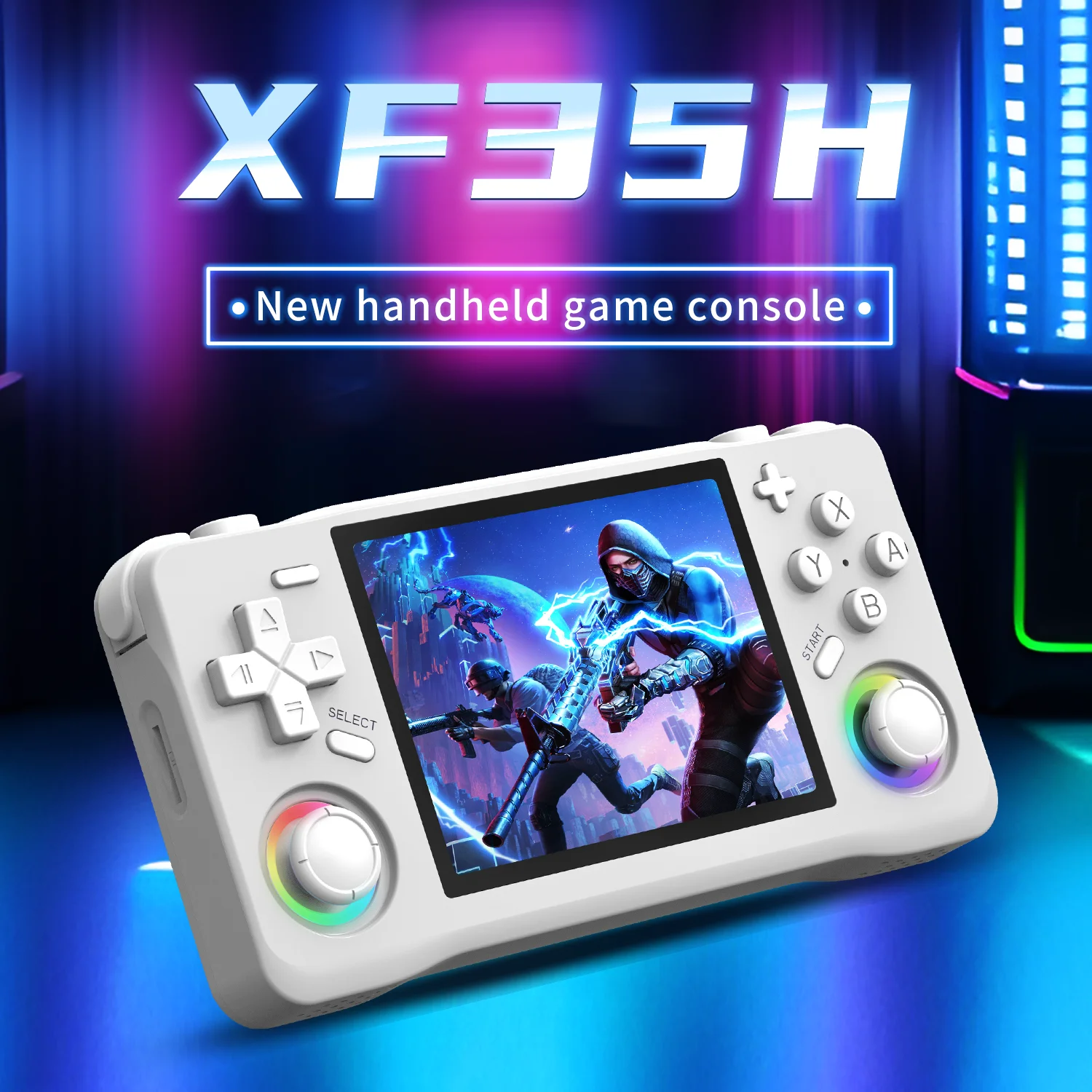
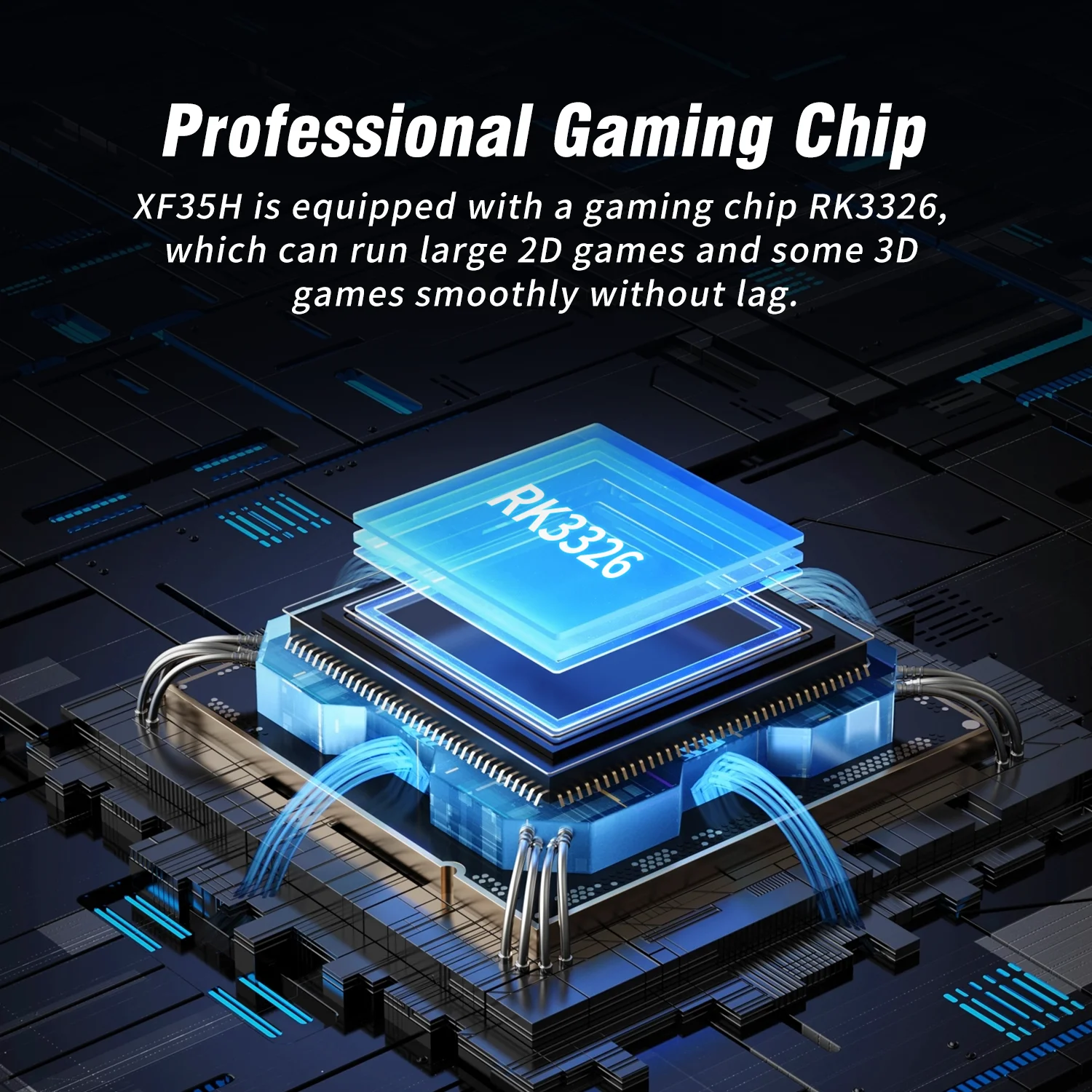
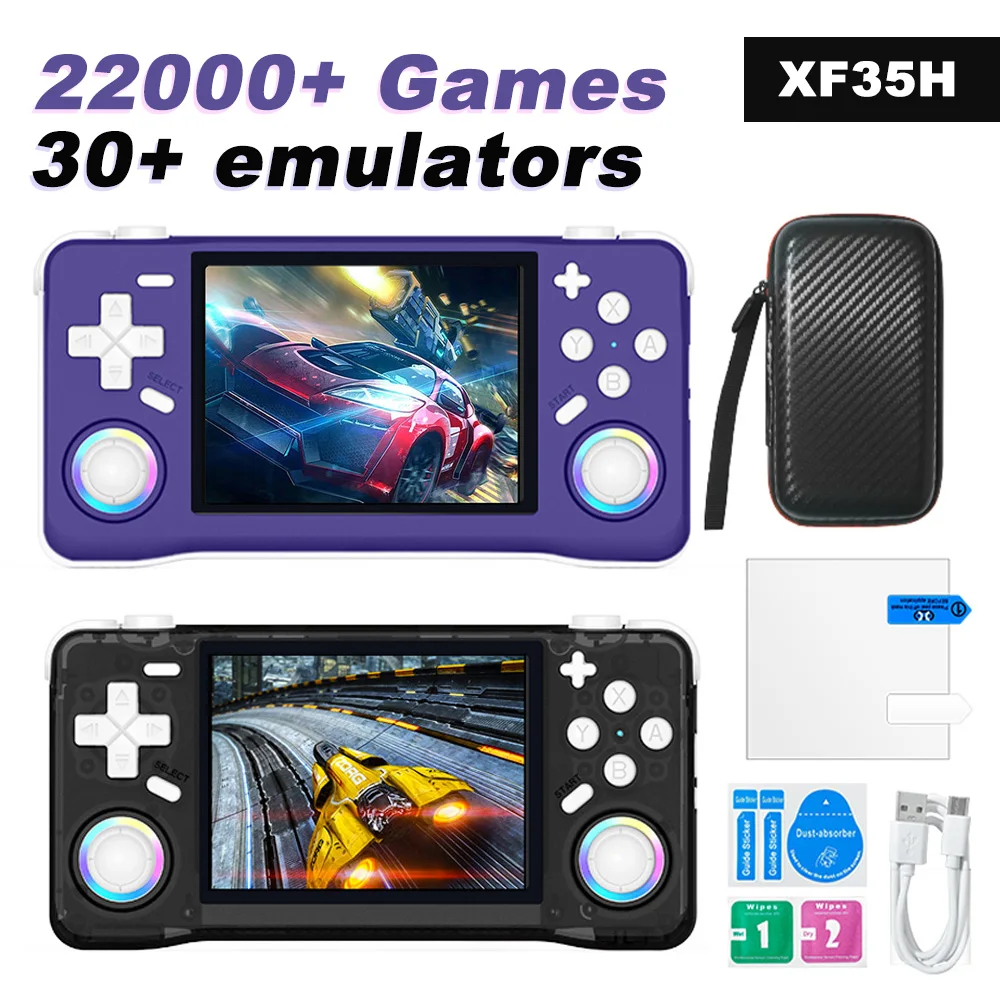
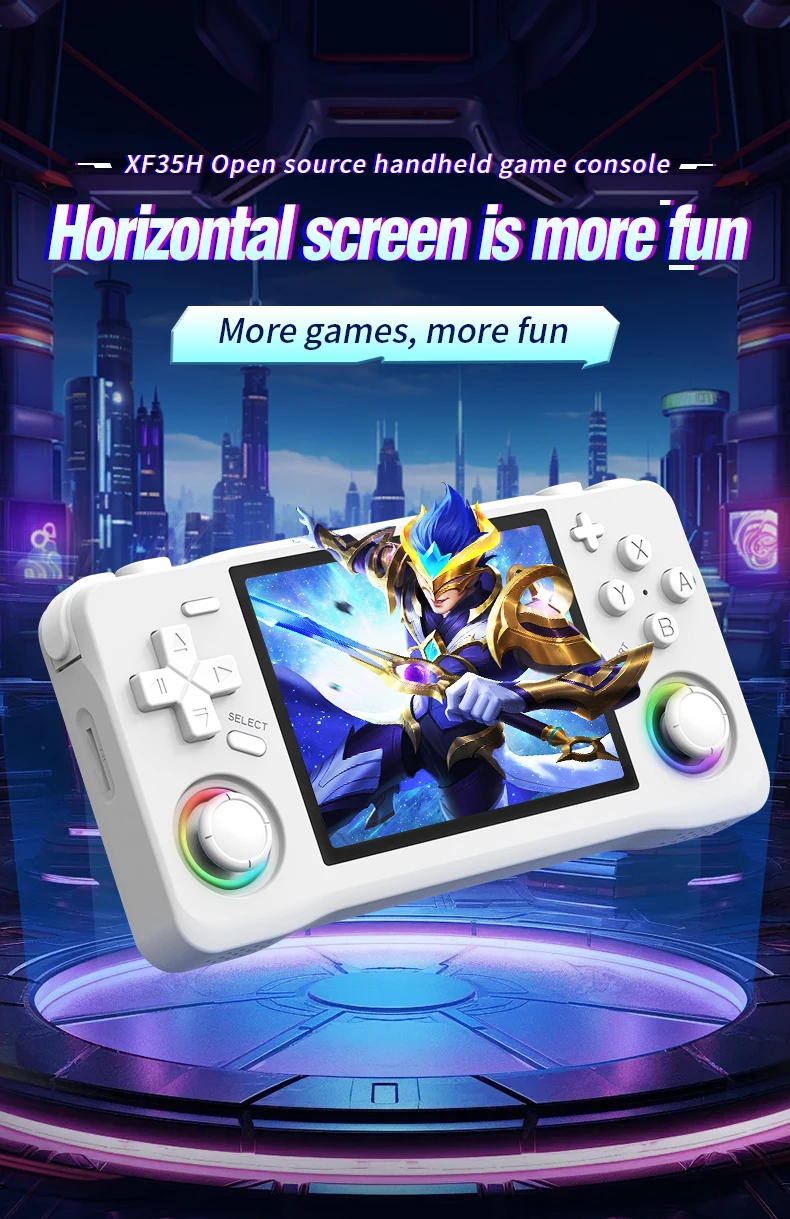
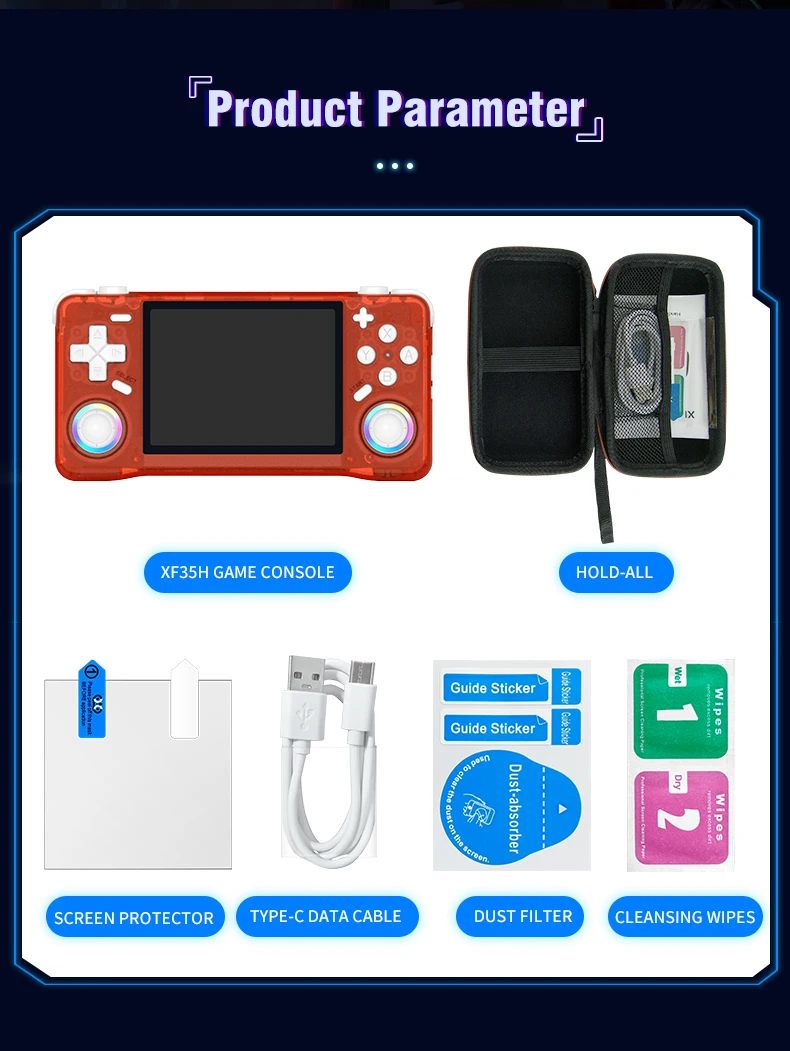
O console de videogame portátil retrô XF35H apresenta sistema Linux, tela IPS de 3,5 polegadas e tamanho compacto para jogos.
53,91€81,91€
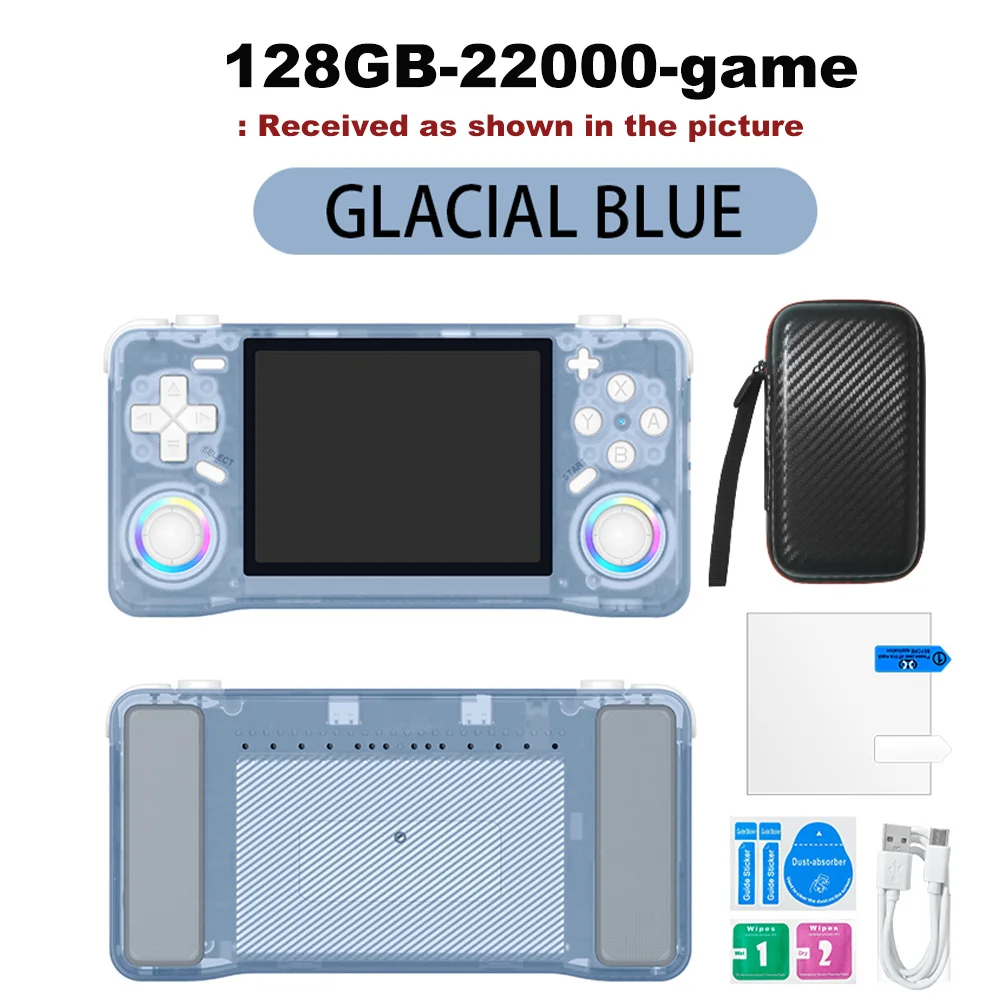
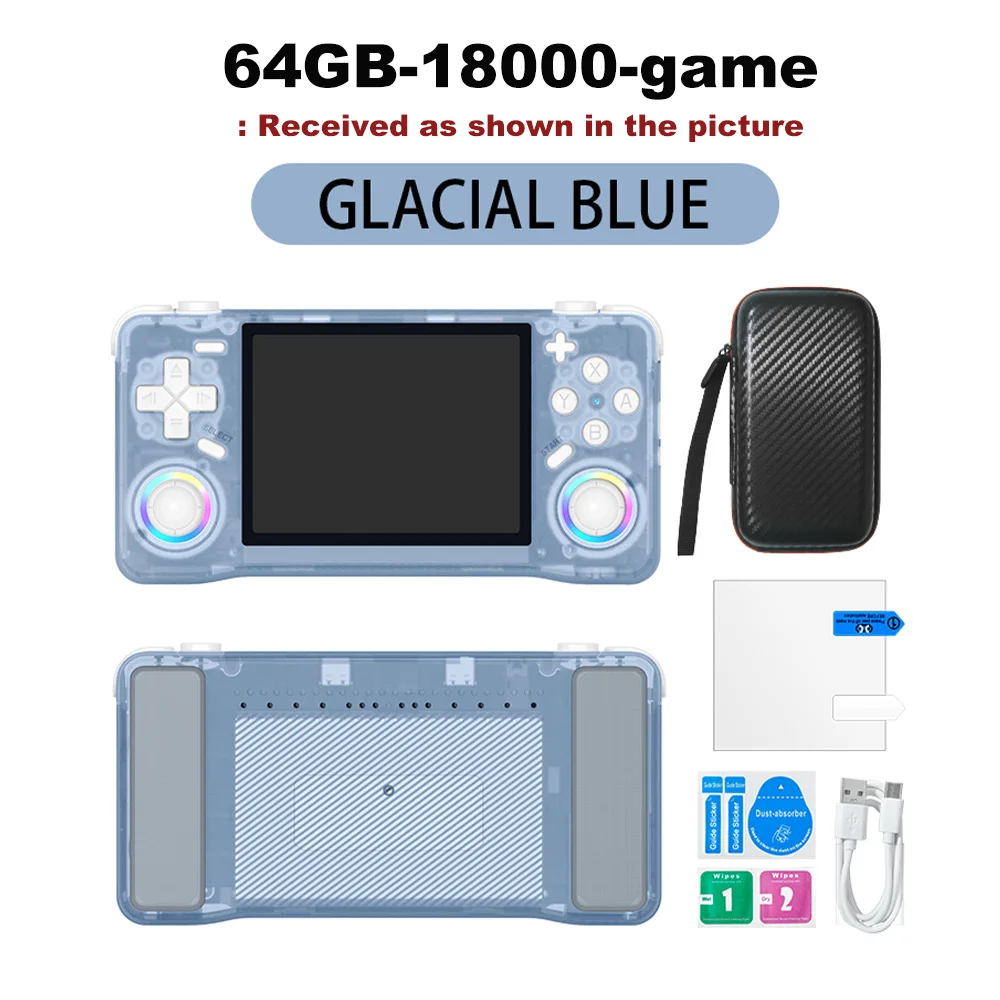
Cor : Azul 64 GB
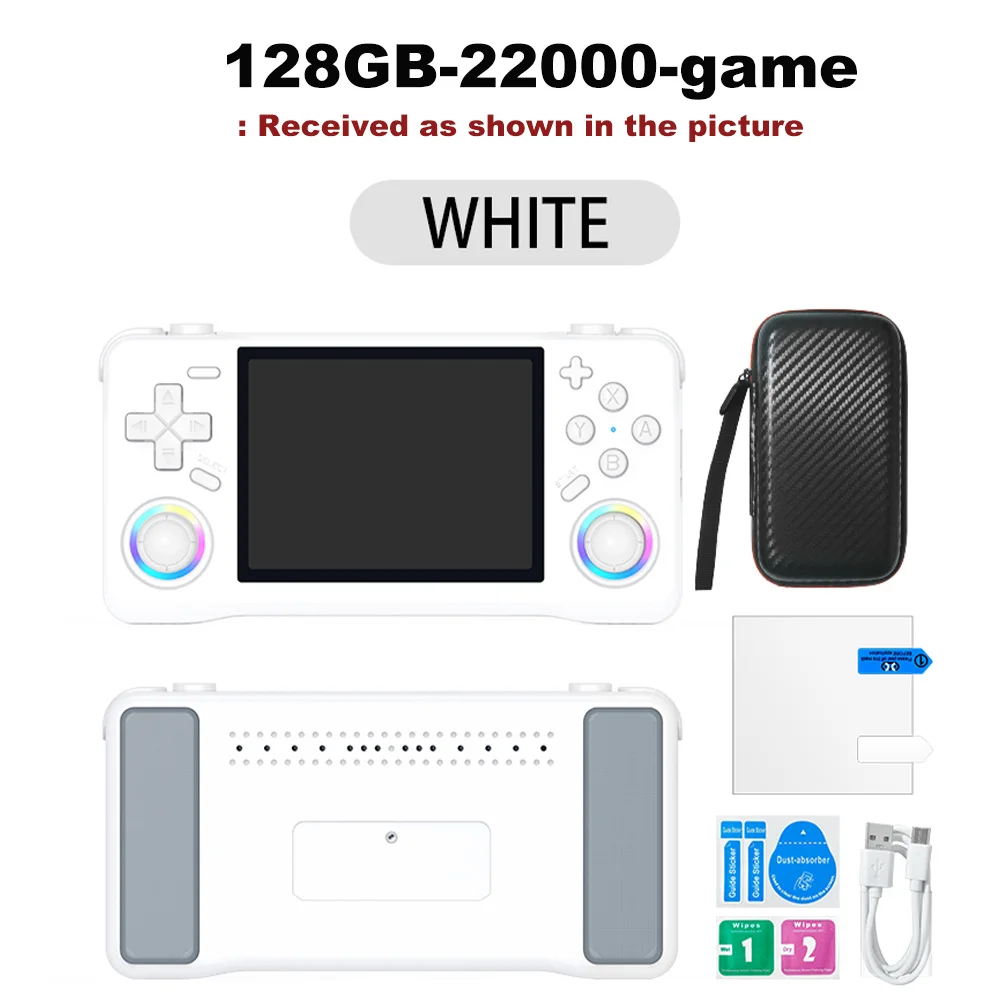
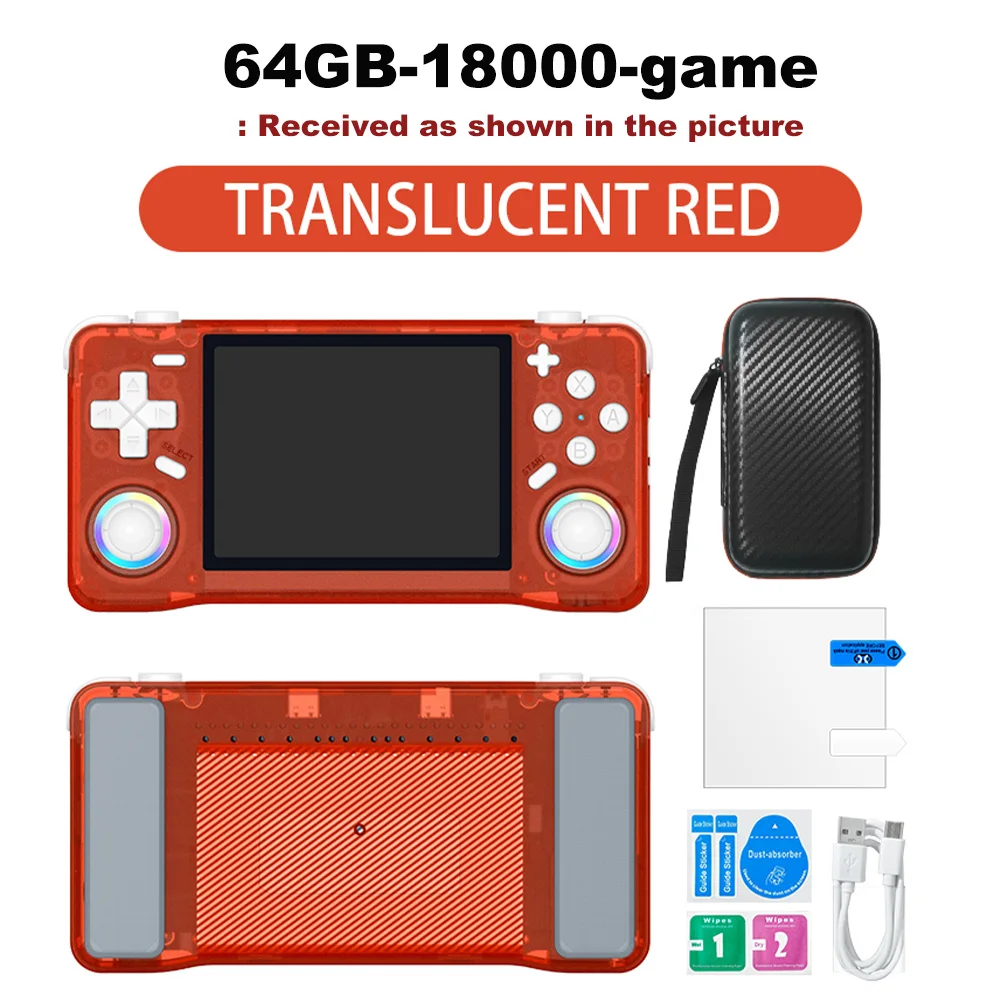
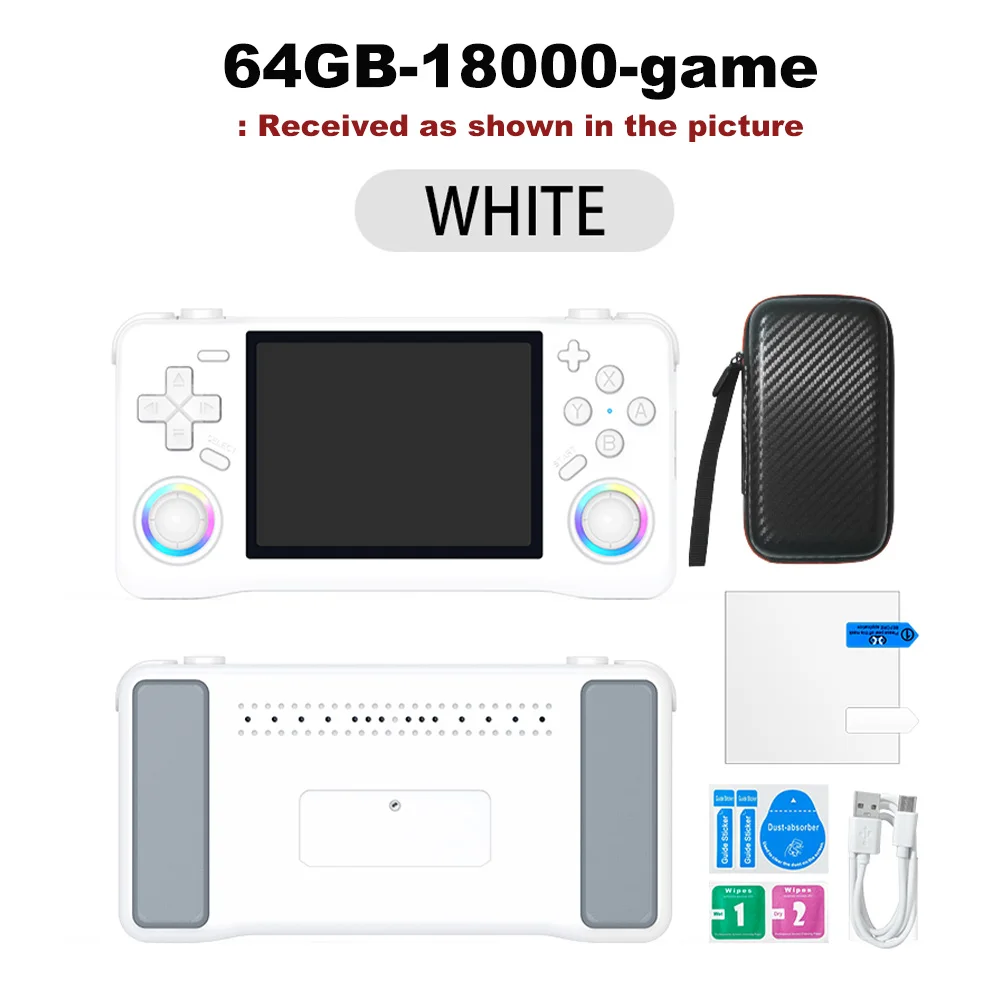
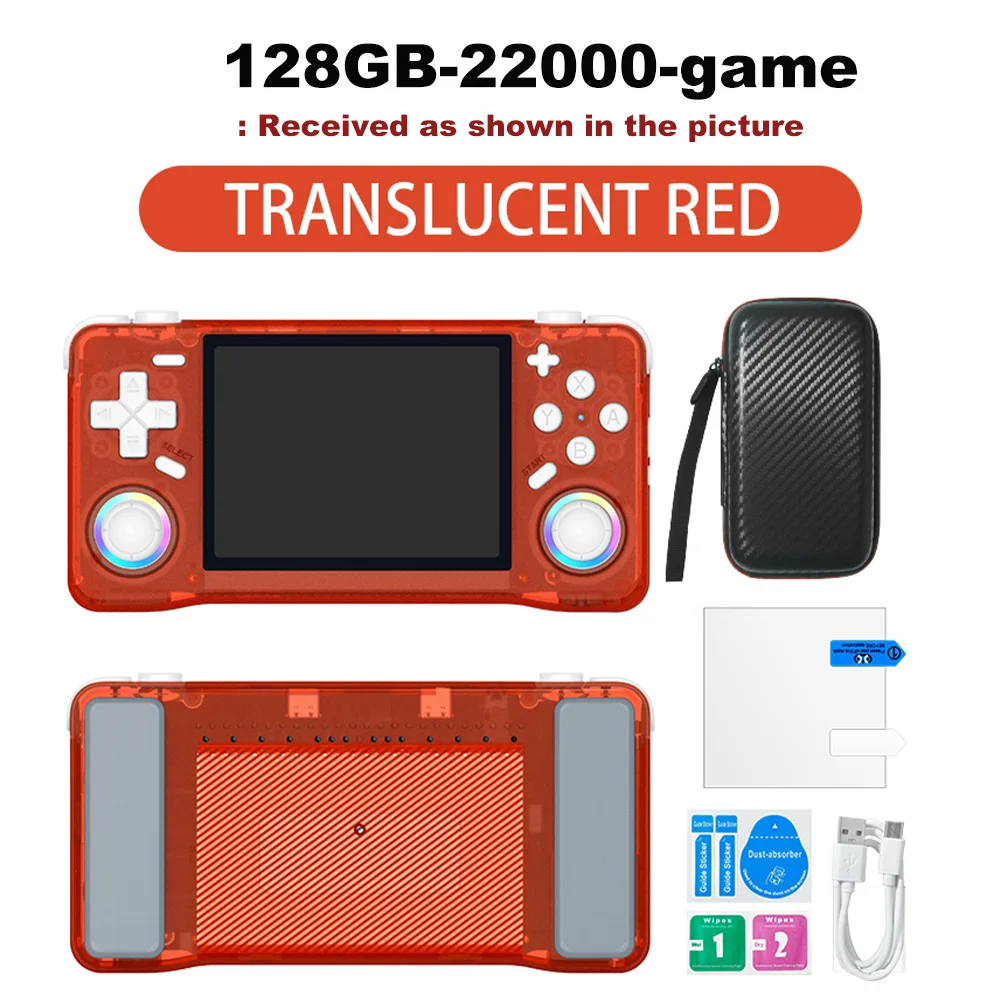
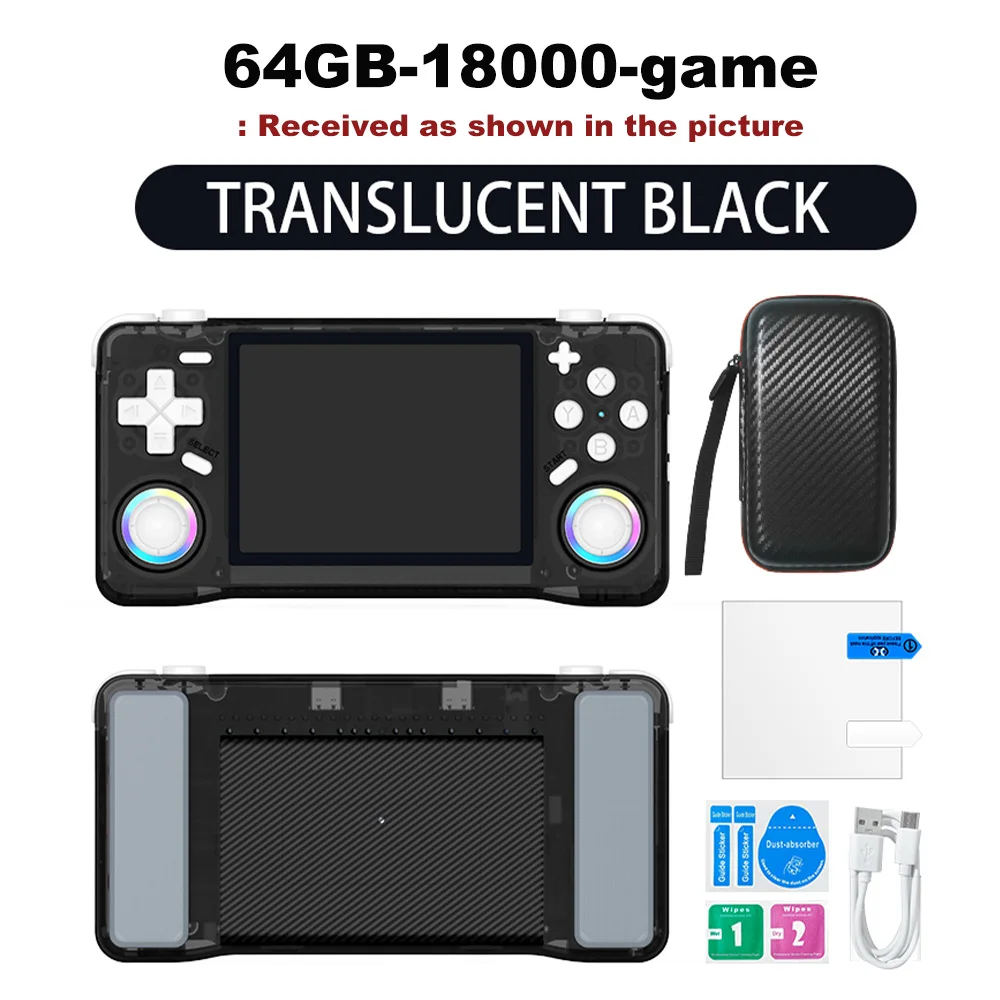
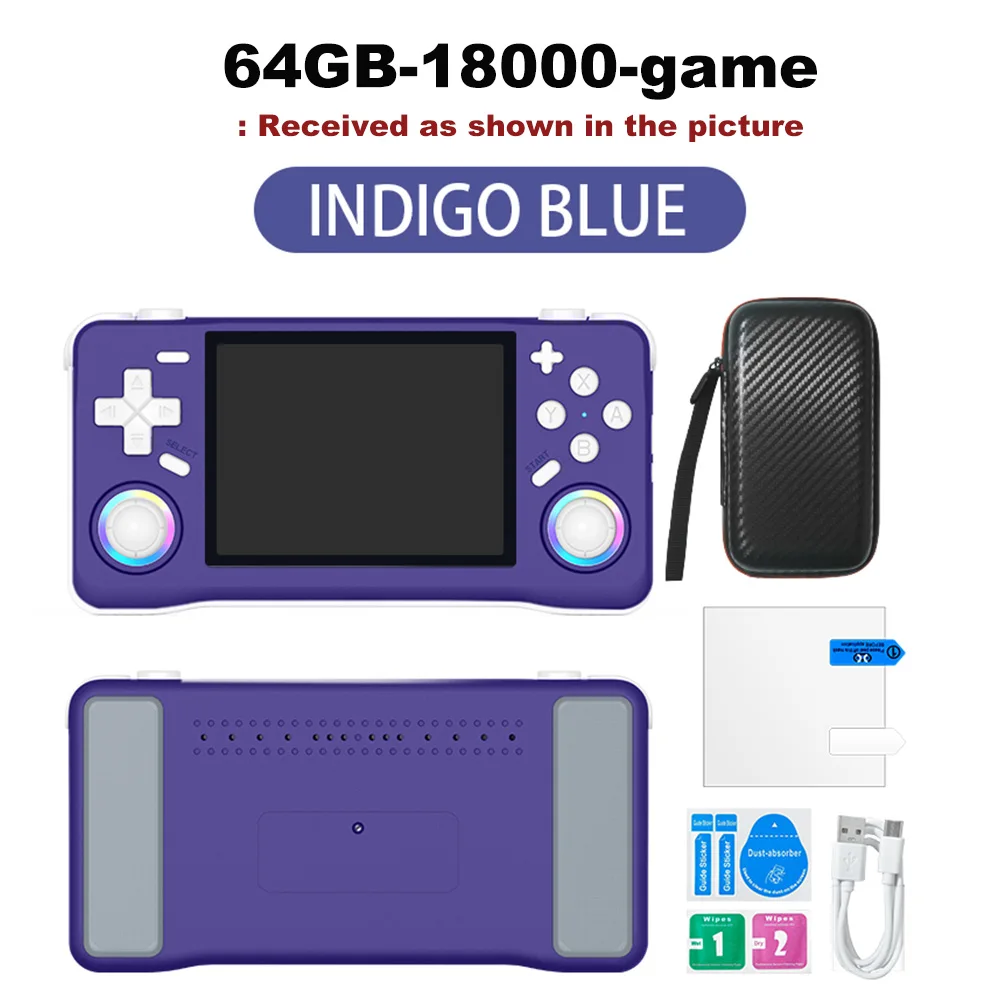
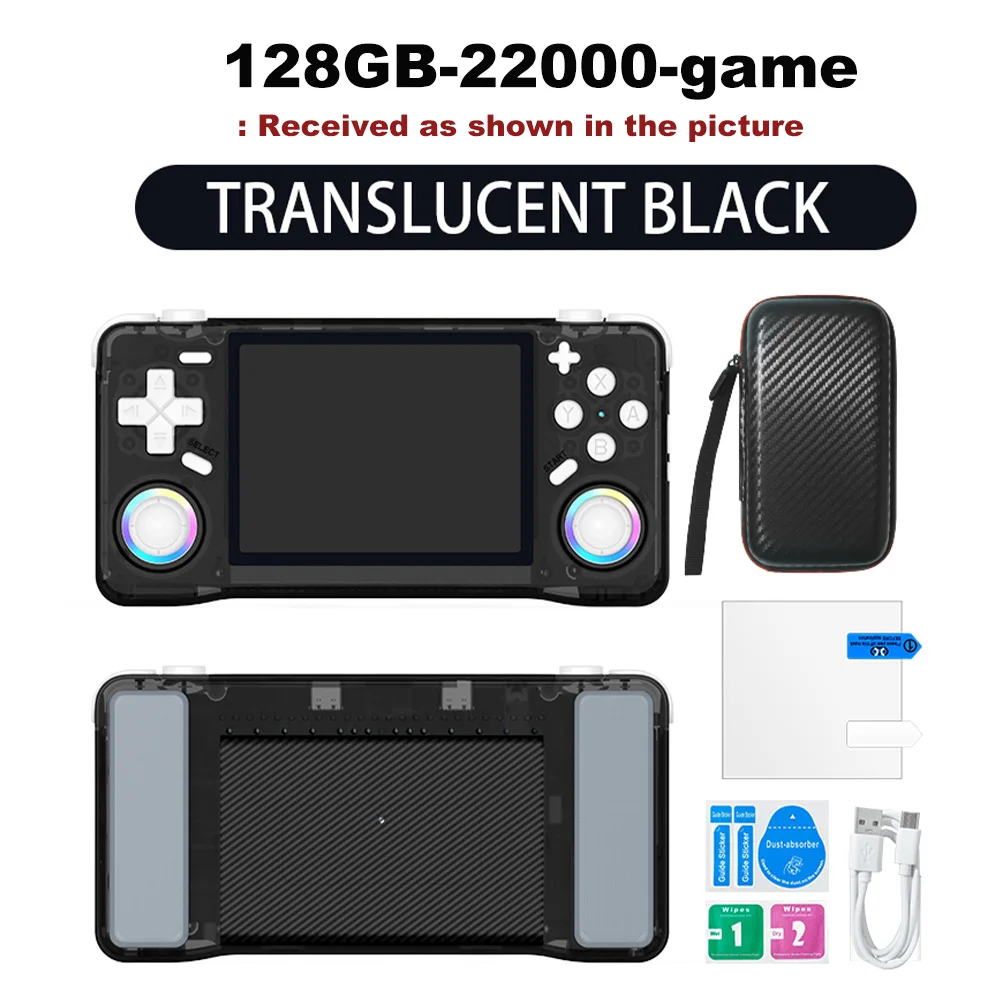
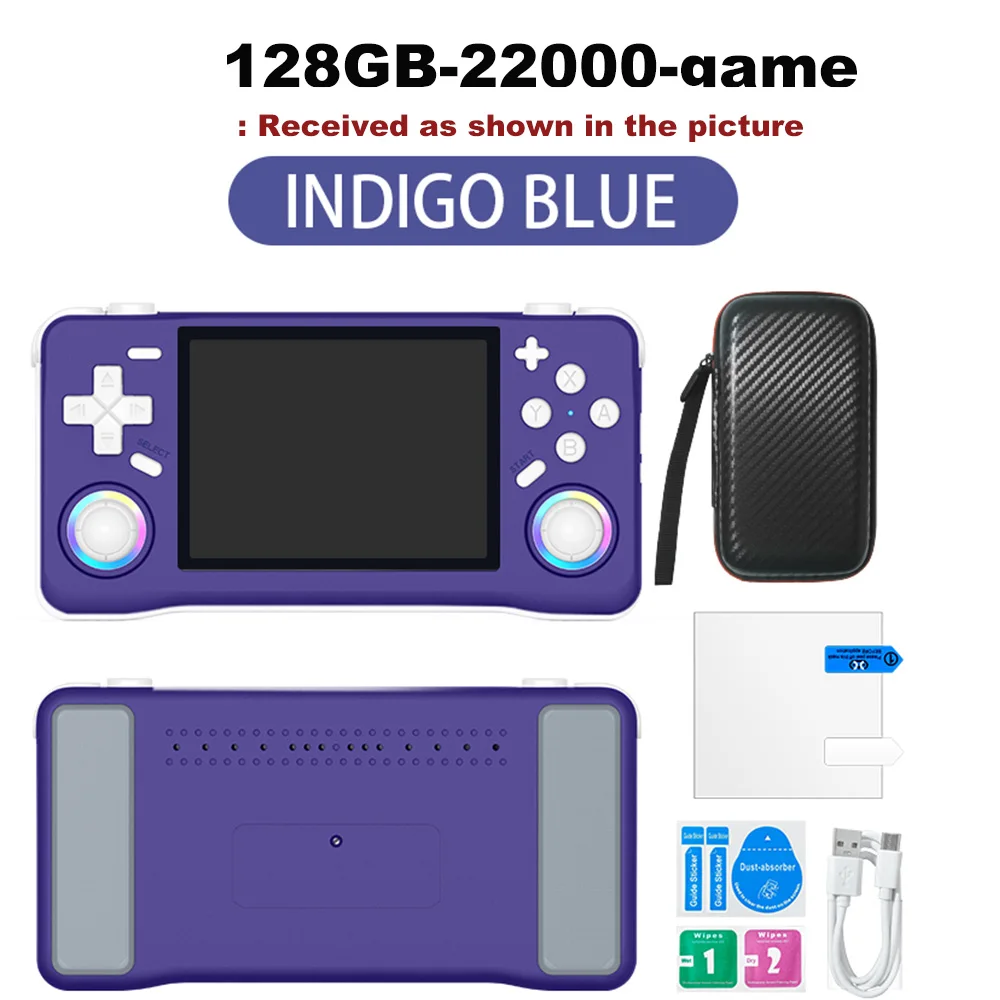
Quantidade :

Relatório
Incluir violação de direitos autoraisFrete padrão grátis. Veja detalhes
Estimado entre Tue, Aug 4 e Mon, Aug 10
Você pode devolver o produto em até 30 dias após o recebimento. Veja detalhes
Compre com confiança

Garantia de devolução do dinheiro
Receba o item que você pediu ou seu dinheiro de volta. Saber mais
Sobre este item
Fonte: TechNex
O vendedor assume toda a responsabilidade por este anúncio.Número de item: 39304692
Especificações dos itens
Exibição em cores
Sim não
Conexão
Wi-Fi, Bluetooth, Usb
Tamanho de exibição
2, 7", 3, 0", 3, 25"
Tela sensível ao toque
Sim não
Descrição do item do vendedor
Multilingual Support
Enjoy games in Japanese, expanding your gaming horizons with this multilingual handheld console.
Ample Storage
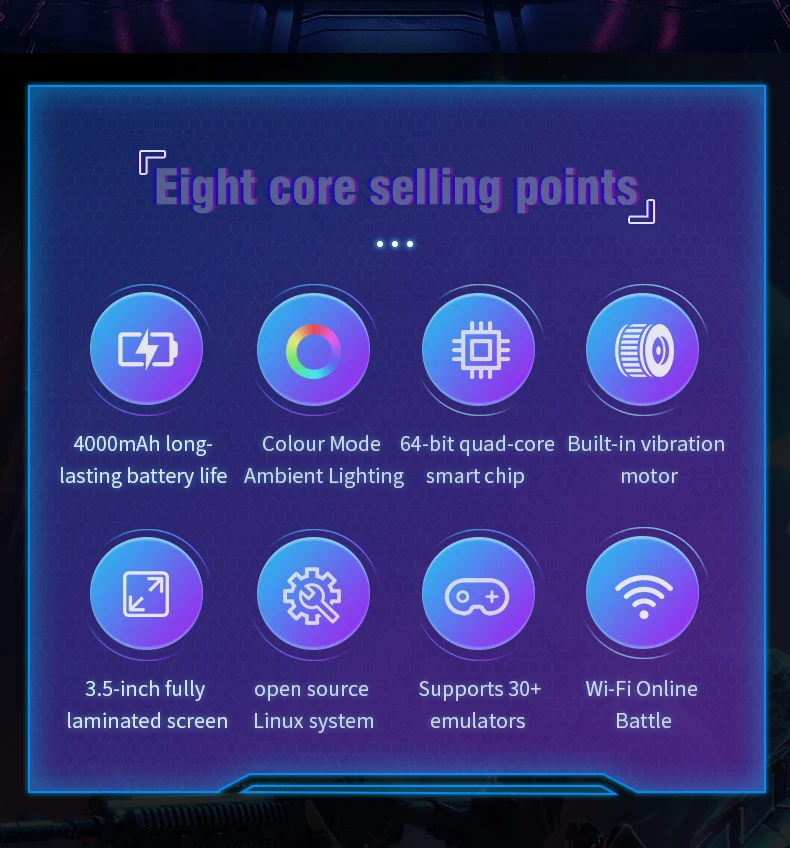
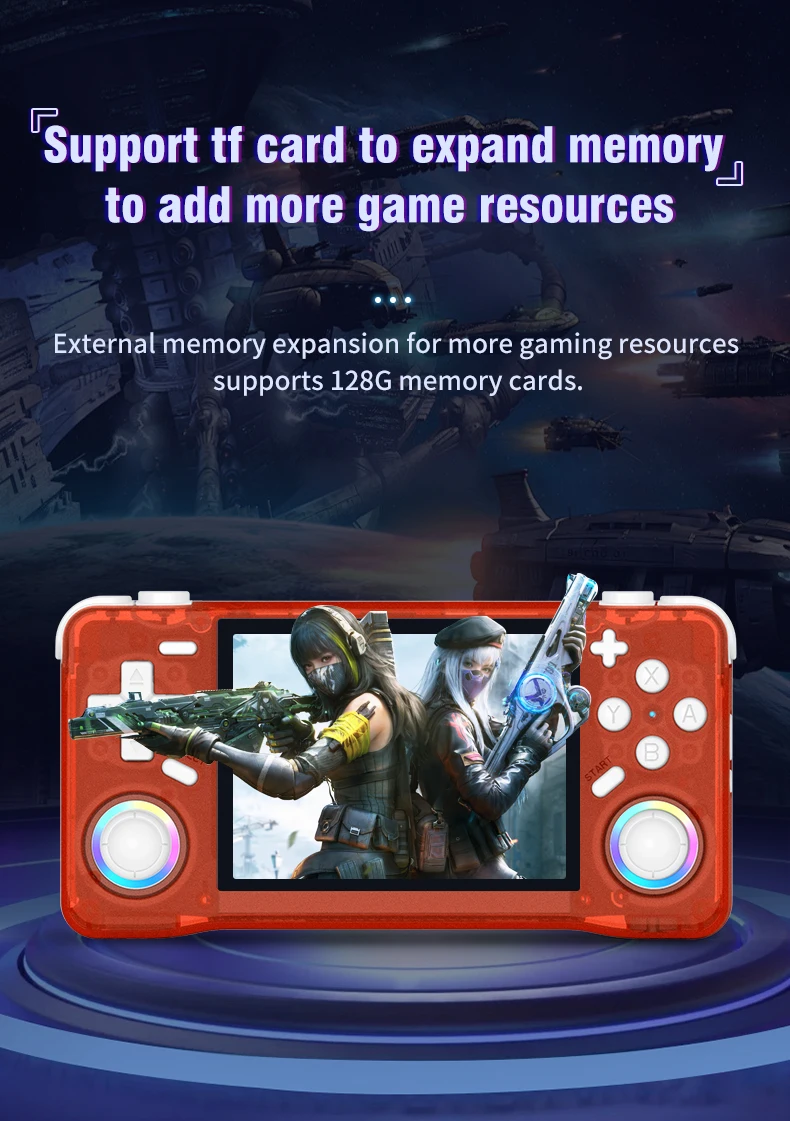
The XF35H comes with 128GB of preloaded games, ensuring you have plenty of entertainment wherever you are.
High-Resolution Display
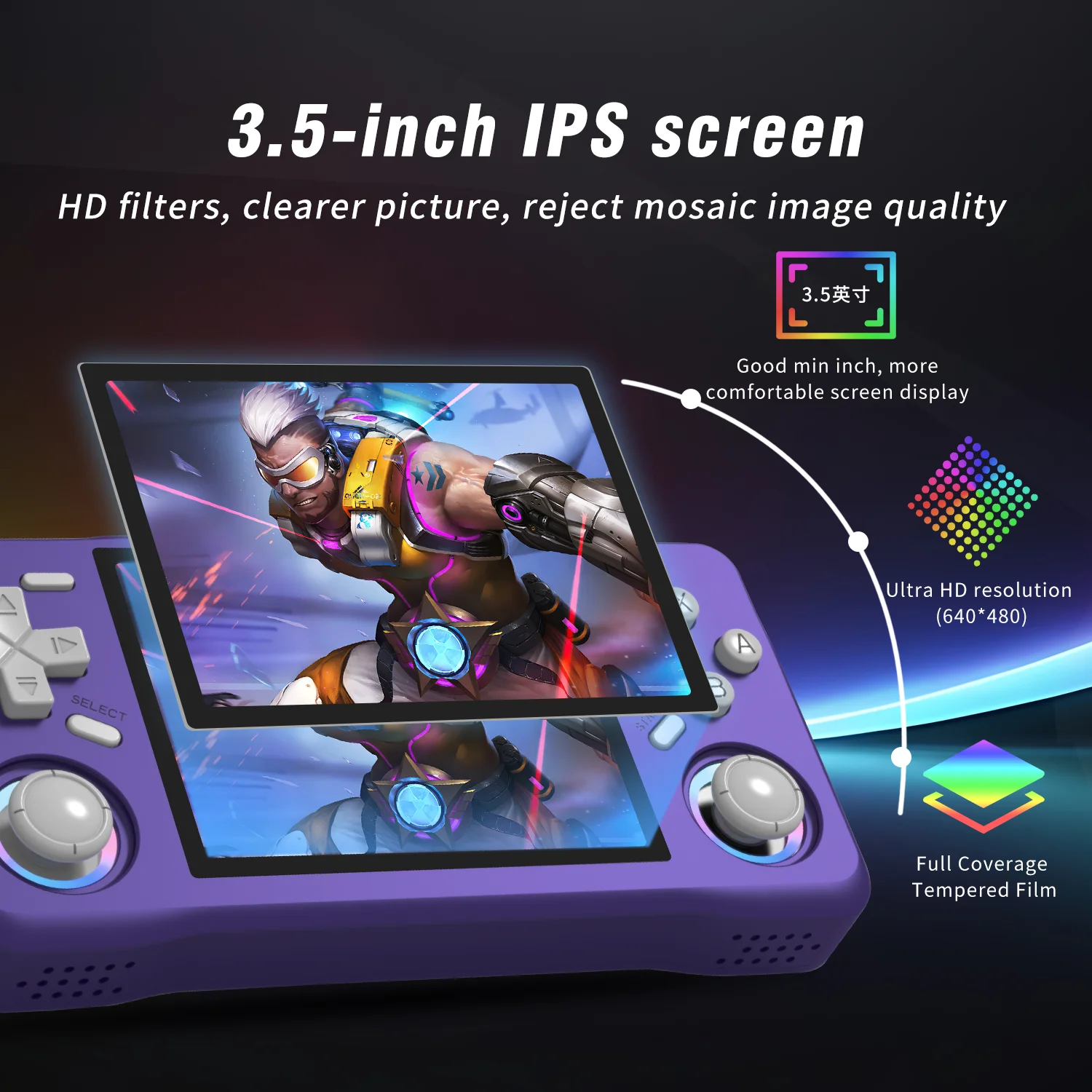
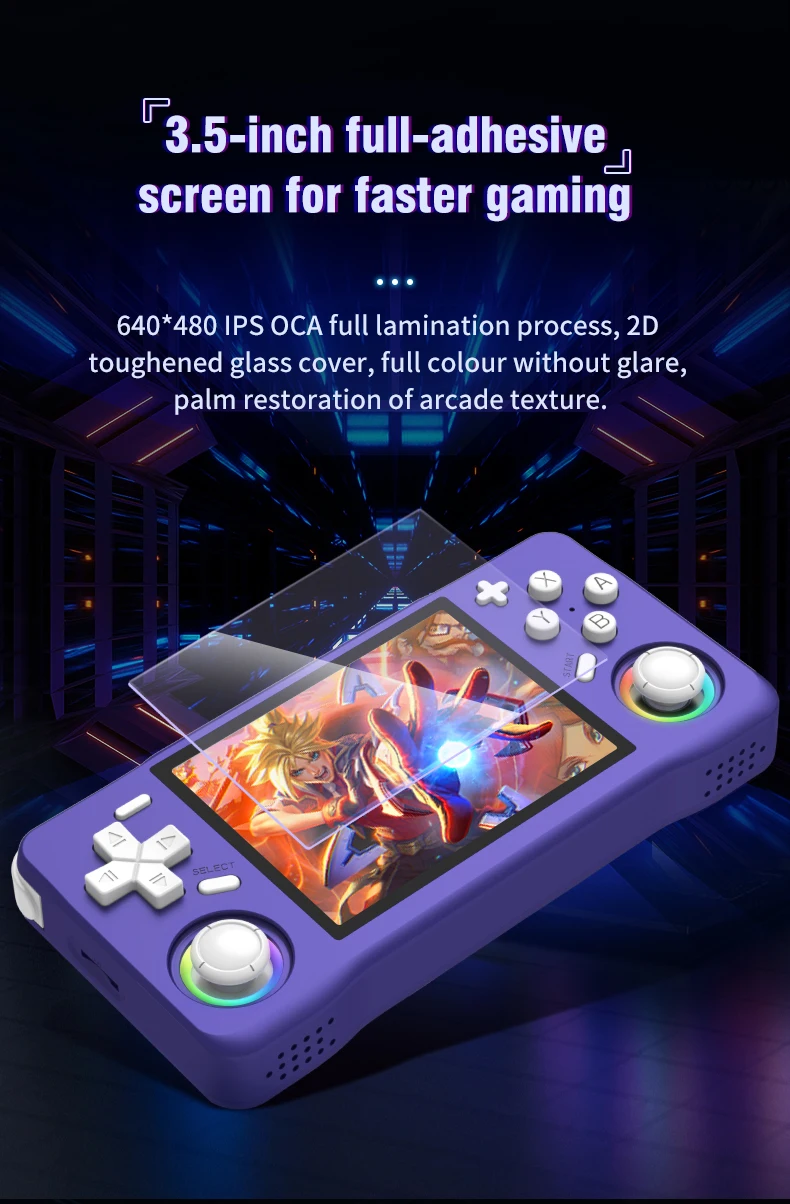
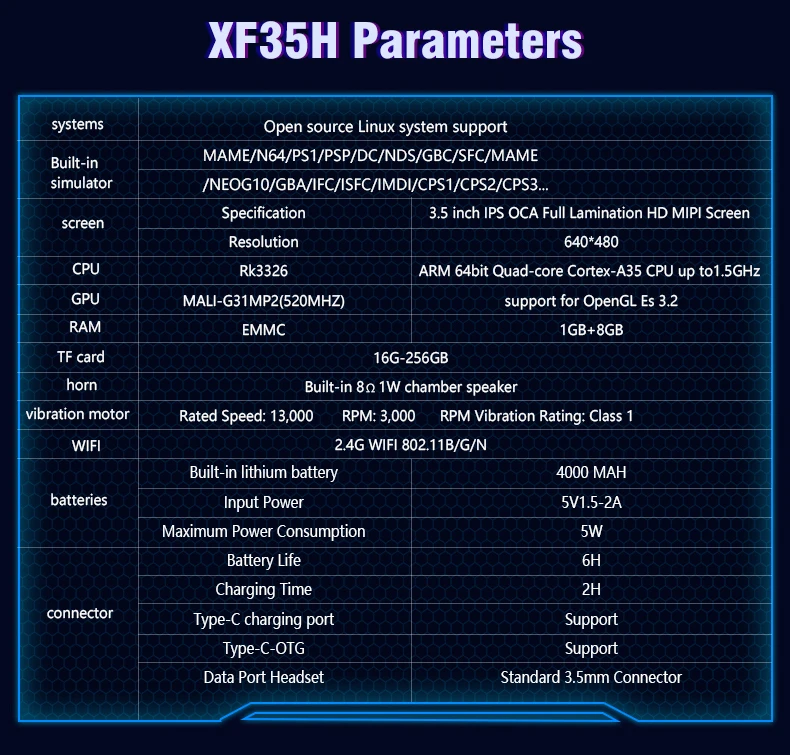
Experience clear visuals with a 3.5" IPS screen offering a resolution of 640x480, perfect for gaming on the go.
Linux System
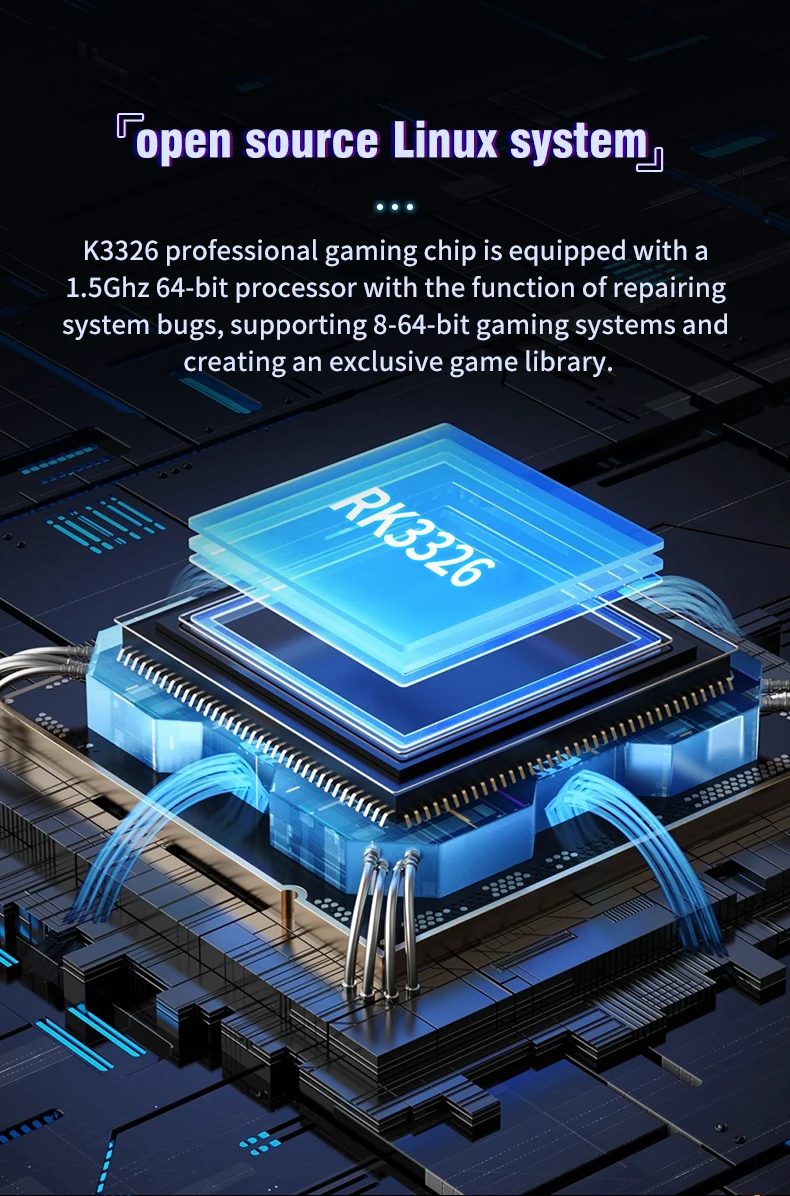
Equipped with a Linux system, this handheld offers a unique gaming experience with a wide range of compatibility.
Portable Design
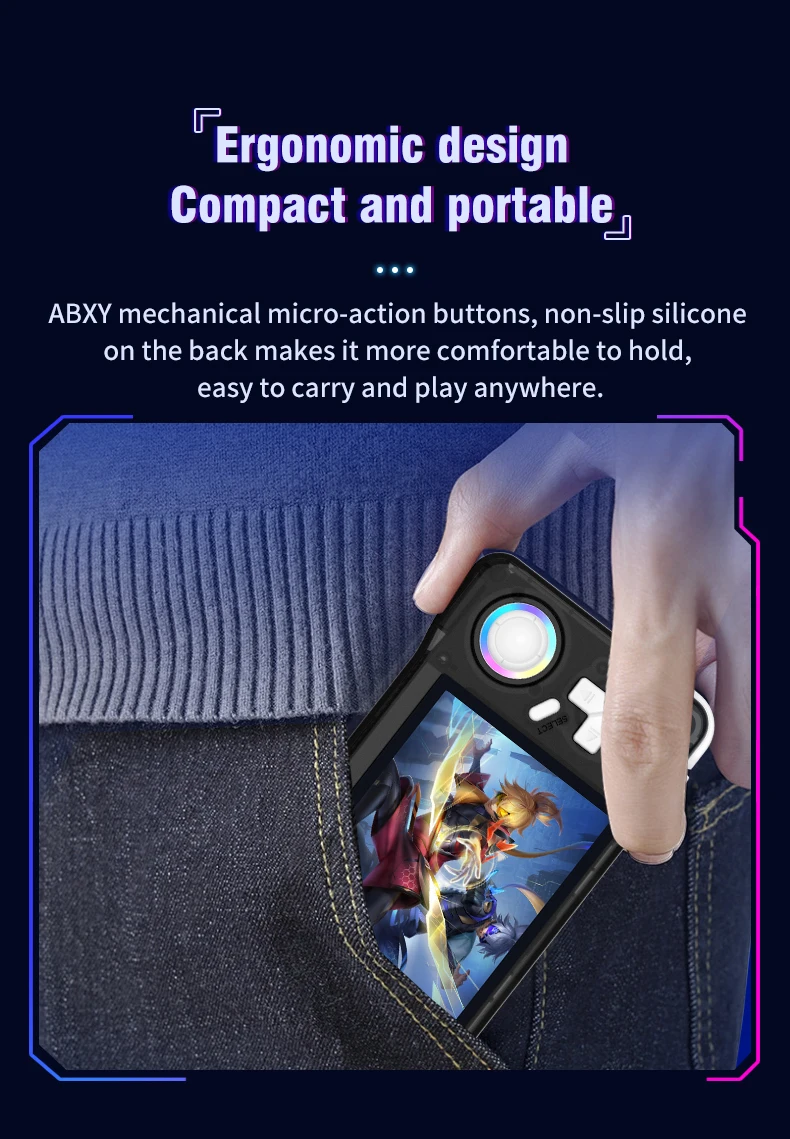
This pocket-sized player is designed for convenience, making it an ideal companion for travel or leisure.
A nanny-style tutorial:
Three power on and off instructions
Power on: Press and hold the power button for 5 seconds, wait patiently for about 25 seconds, and enter the operation interface.
Power off: Press and hold the power button for 7 seconds to display the power off menu. Press the A button by default to power off.
Note: Please exit the game before shutting down, and do not press any keys when the system starts up.
Charging instructions
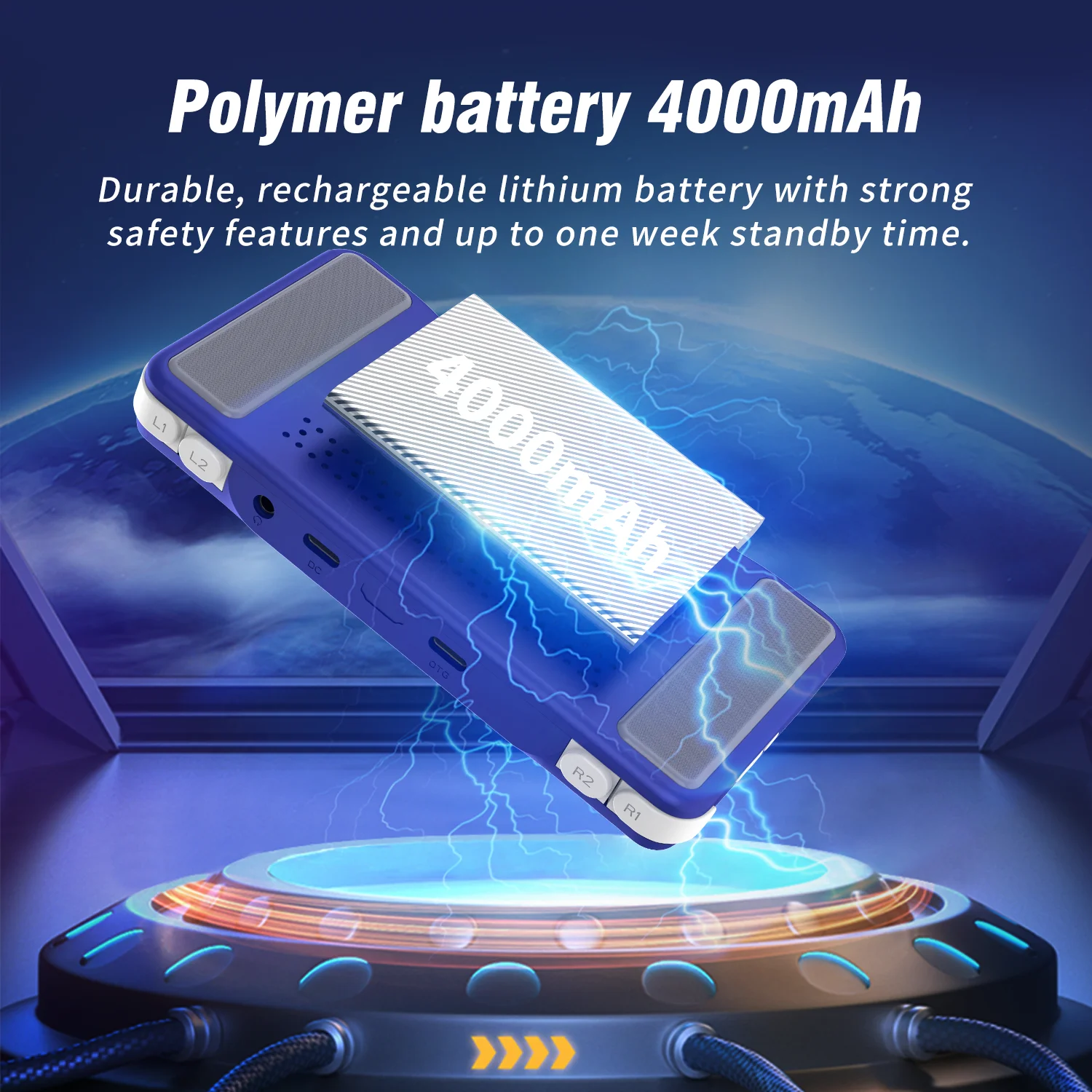
When the red light on the main unit illuminates, please charge it promptly by connecting the charging cable to the DC port. The red light will automatically turn off when fully charged.
Note: Do not press the restart button while charging; the charger parameters must not exceed 5V2A.
Function shortcut key combination:
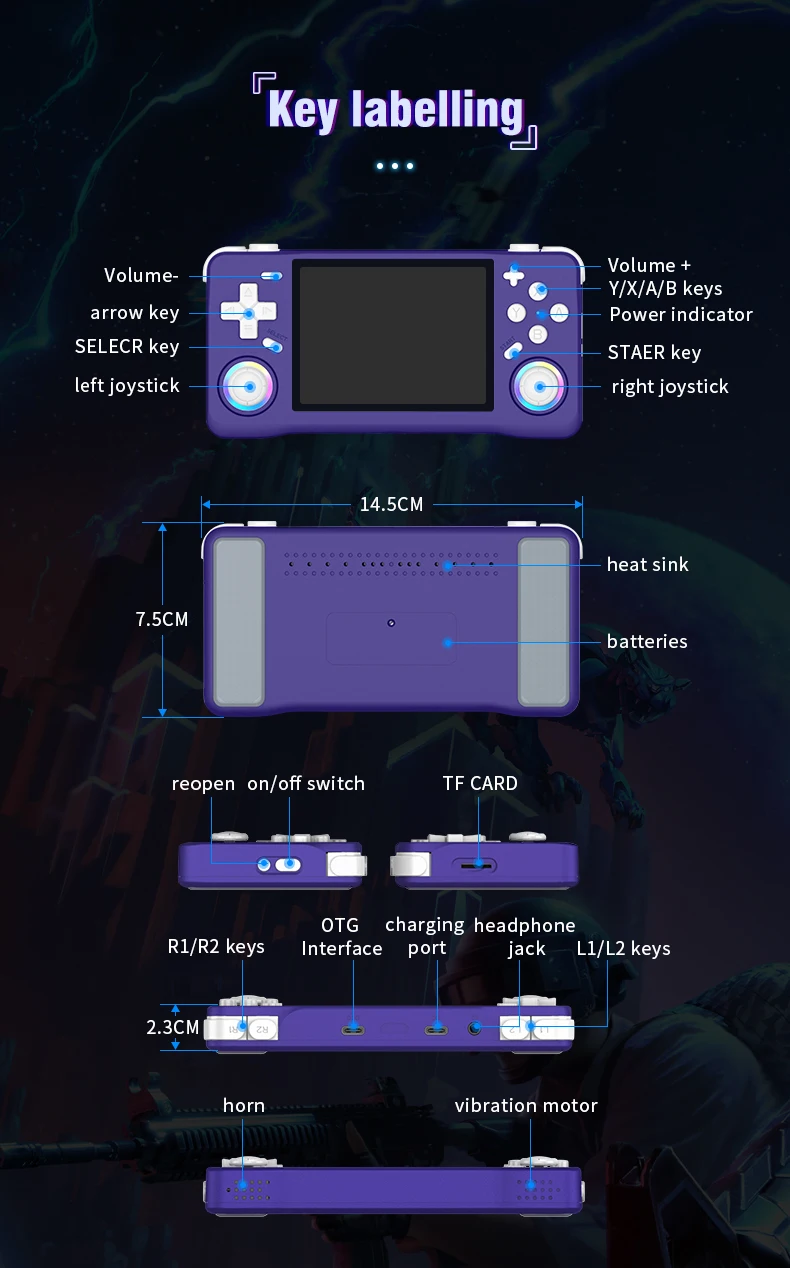
Three system bug fixes: L1+L2+R1+R2+ (SELECT*3)
Game shortcut key combinations (except PSP and NDS):
Three ways to save your game progress: SELECT + R1
Load saved game progress: SELECT +L1
Exit game: (SELECT+START) *2
Display FPS: SELECT+B
Three pause or cancel the game: SELECT+A
RA Menu: SELECT+X
To enable or disable game acceleration: SELEC+R2
Three game screenshots: SELECT+Y
PSP game button description:
PSP Menu: SELECT+B
PSP game saving steps: Press SELECT + B to enter the PSP menu, then select 1. Settings 2. System →
3.Auto loadsavestate
4. Slot 15. Back 6. Save state (save successful) → 7. Exit to menu (exit menu) → 8. Exit (exit)
-NDS Game Button Instructions:
Press R2: Switch between landscape and portrait screen display;
Press L2: Toggle full-screen mode;
Press the right joystick: Simulate pen mark click:
Press the left joystick: Enter the game's background menu.
How to unlock the three-child mode?
Press the START button three times, select UNLOCK USER INTERFACE MODE, press A, and then press AAABA in sequence to unlock.
Joystick light settings:
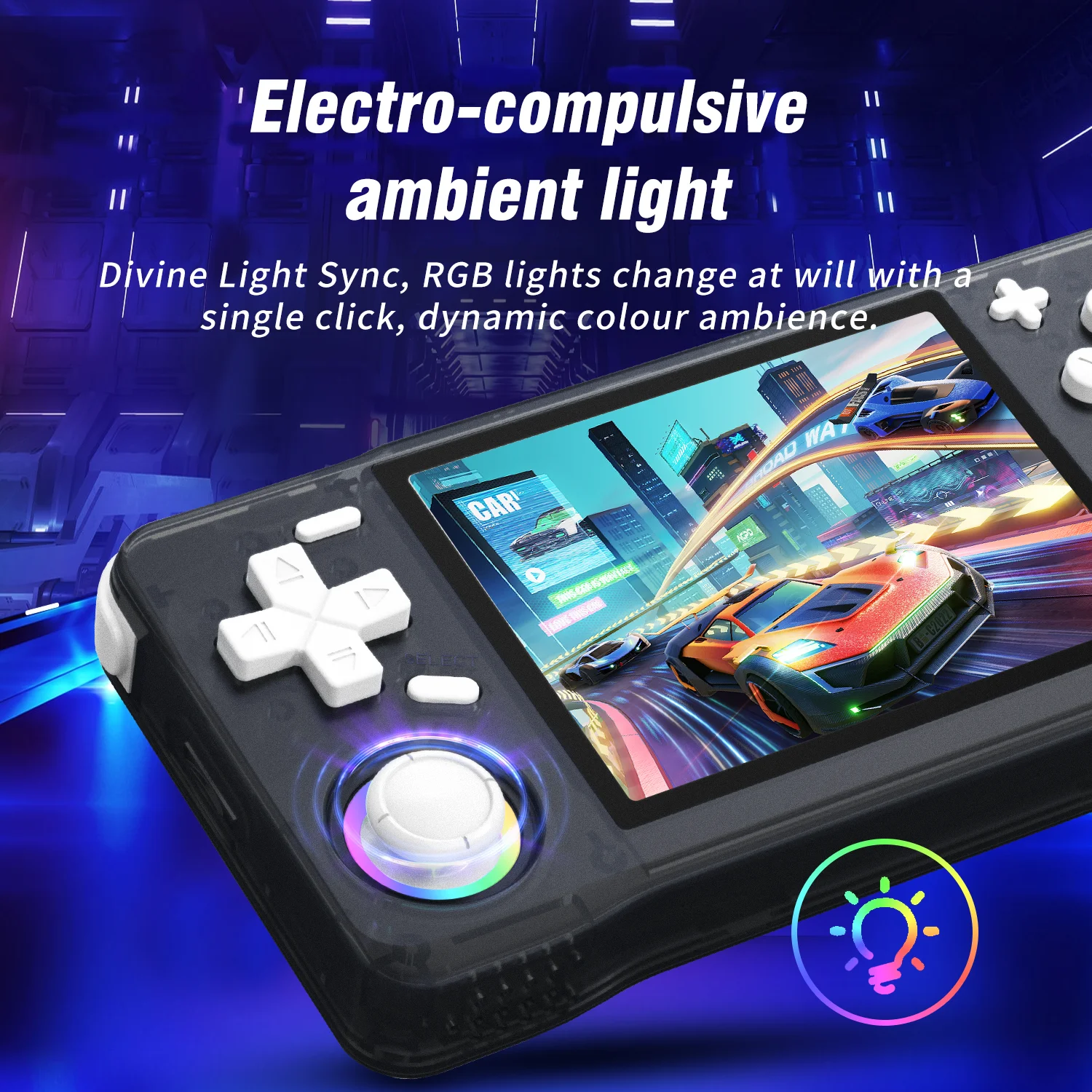
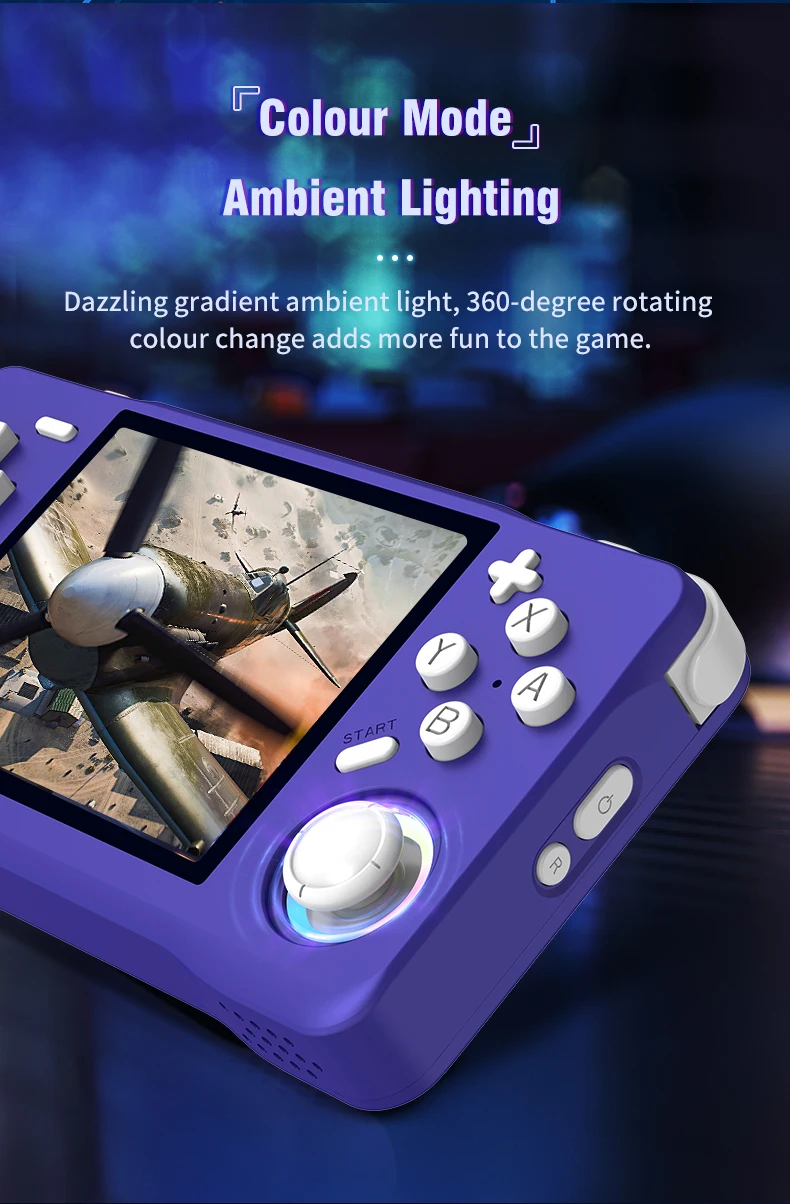
Press the "START" button to enter the menu, and press the button at "LEDS SETTINGS" to enter the option selection.

Vídeos
Vídeos para este produto